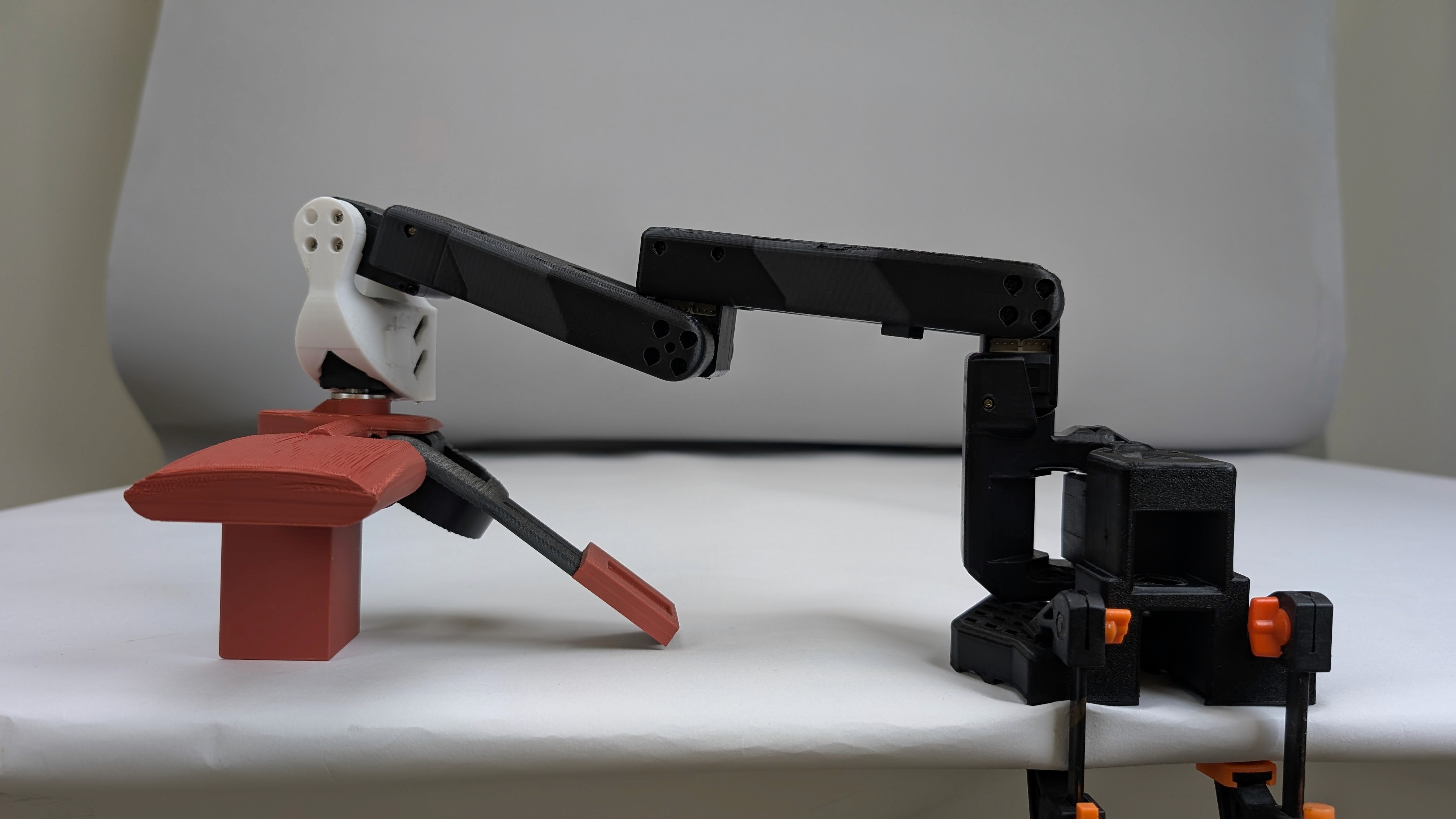
F1 Controller
TimeLINE
August 24 - May 25
CLIENT
Fluid Reality
Role
Product Designer
Design Research
Tools
Shapr
On-Shape
Figma
Adobe Suite
F1 Controller (V1)
F1 Controller Mounted (V2)
Research
7 weeks
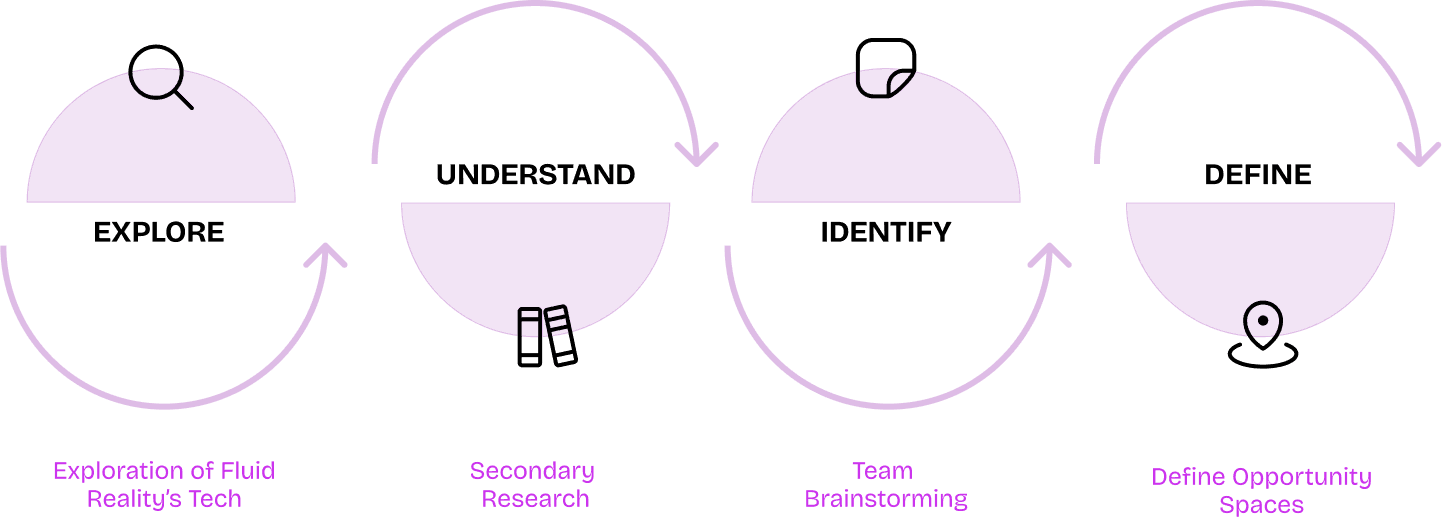
What are some interesting opportunity spaces that can leverage Fluid Reality’s technology & capabilities?
Process
How are haptic tech & tactile solutions showing up in the world today?
We scanned the market for anything and everything haptics and tactile. Our goal was to see what’s out there and exploring interesting areas for Fluid Reality’s capabilities.
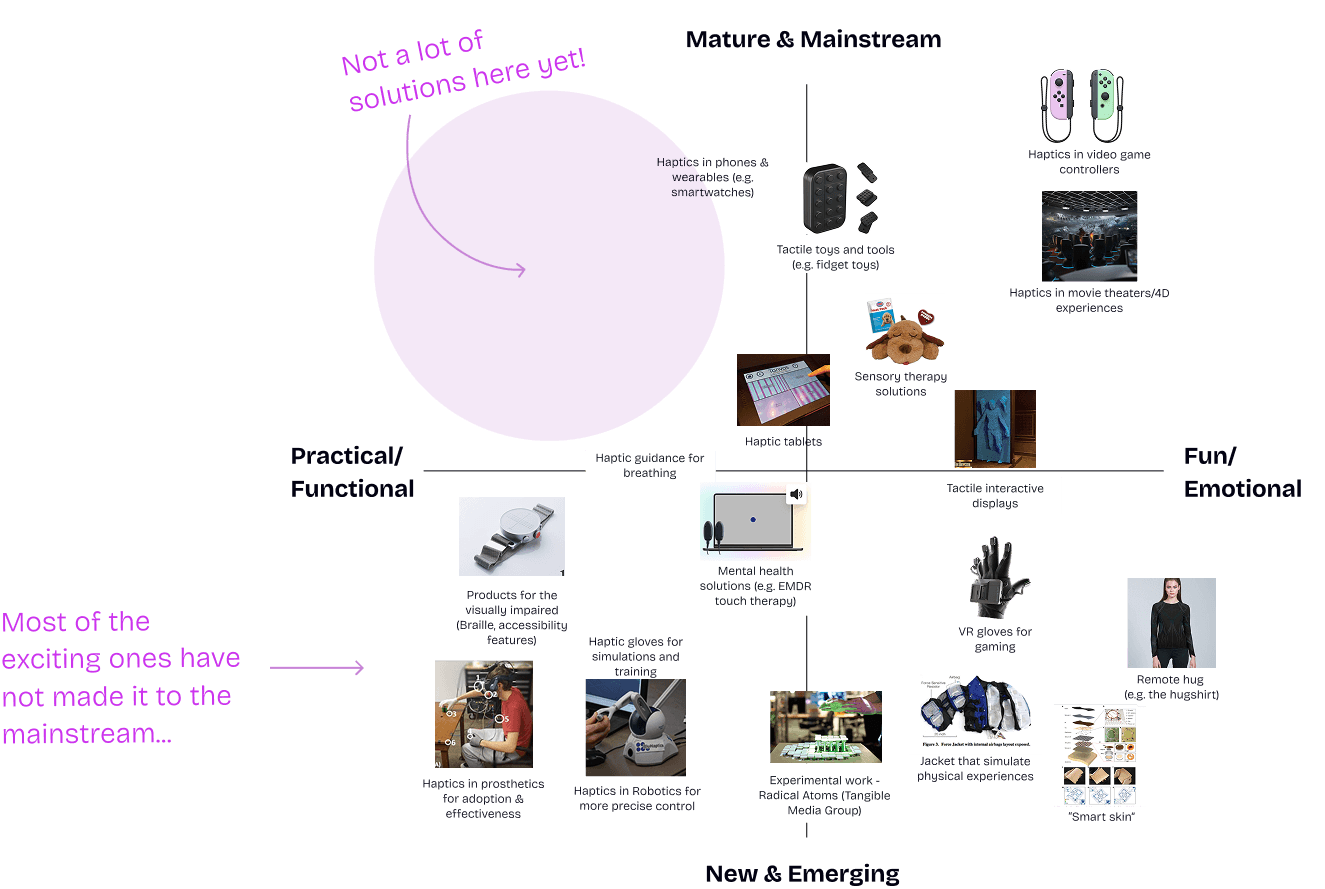
Exploring far and wide yielded some starting points...
Connection, Healthcare & Therapy
Enhanced Everyday Objects
Communication
Immersive Experiences & Entertainment
Micro-Movement Applications
Opportunity Spaces
Human Touch:for connection in an increasingly digital world
Engaging Modes of Learning: for holistic development
Discreet Communication: for personal safety in cities
Visibly Invisible Tech: for subtle yet powerful interaction experiences
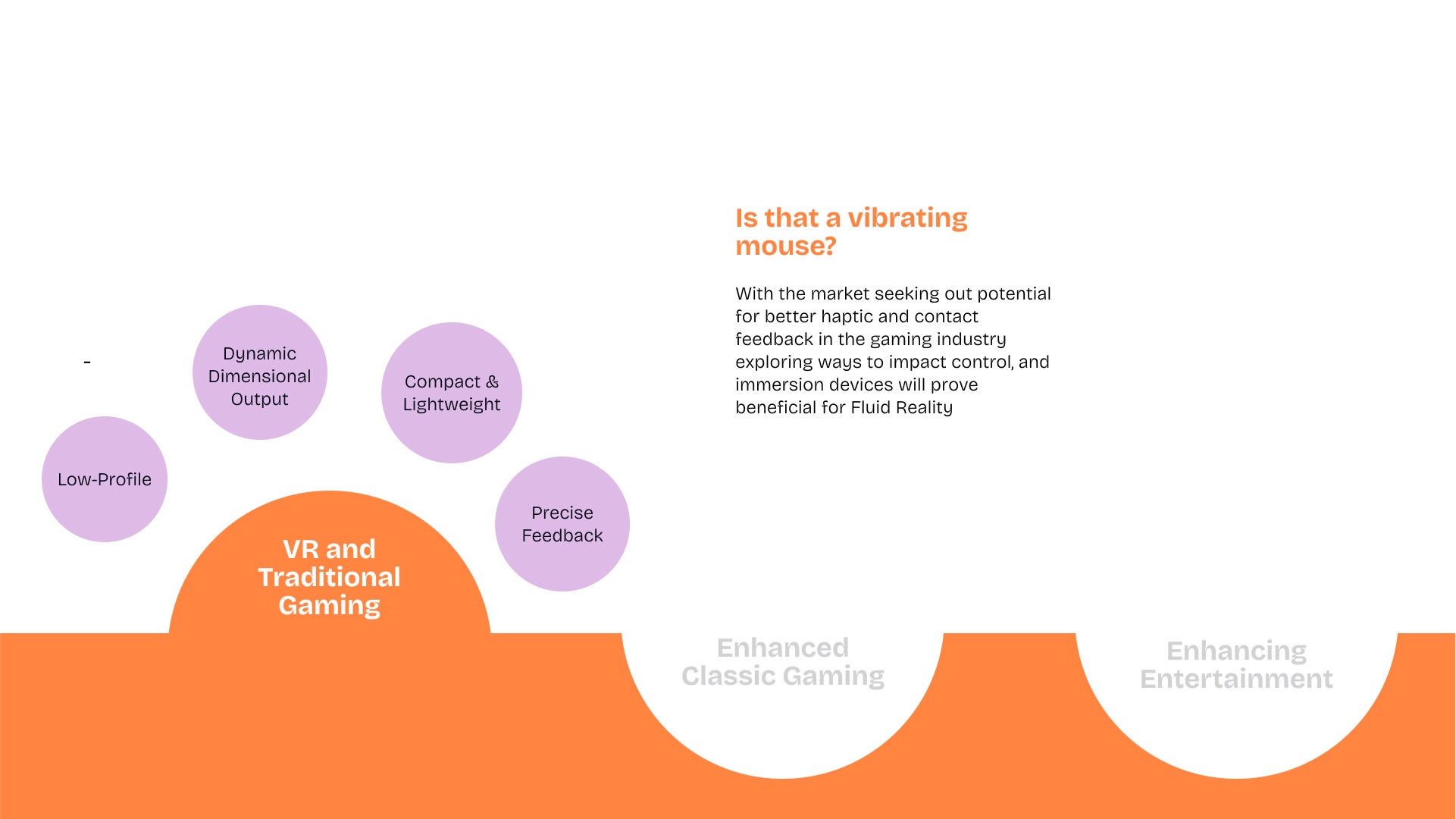
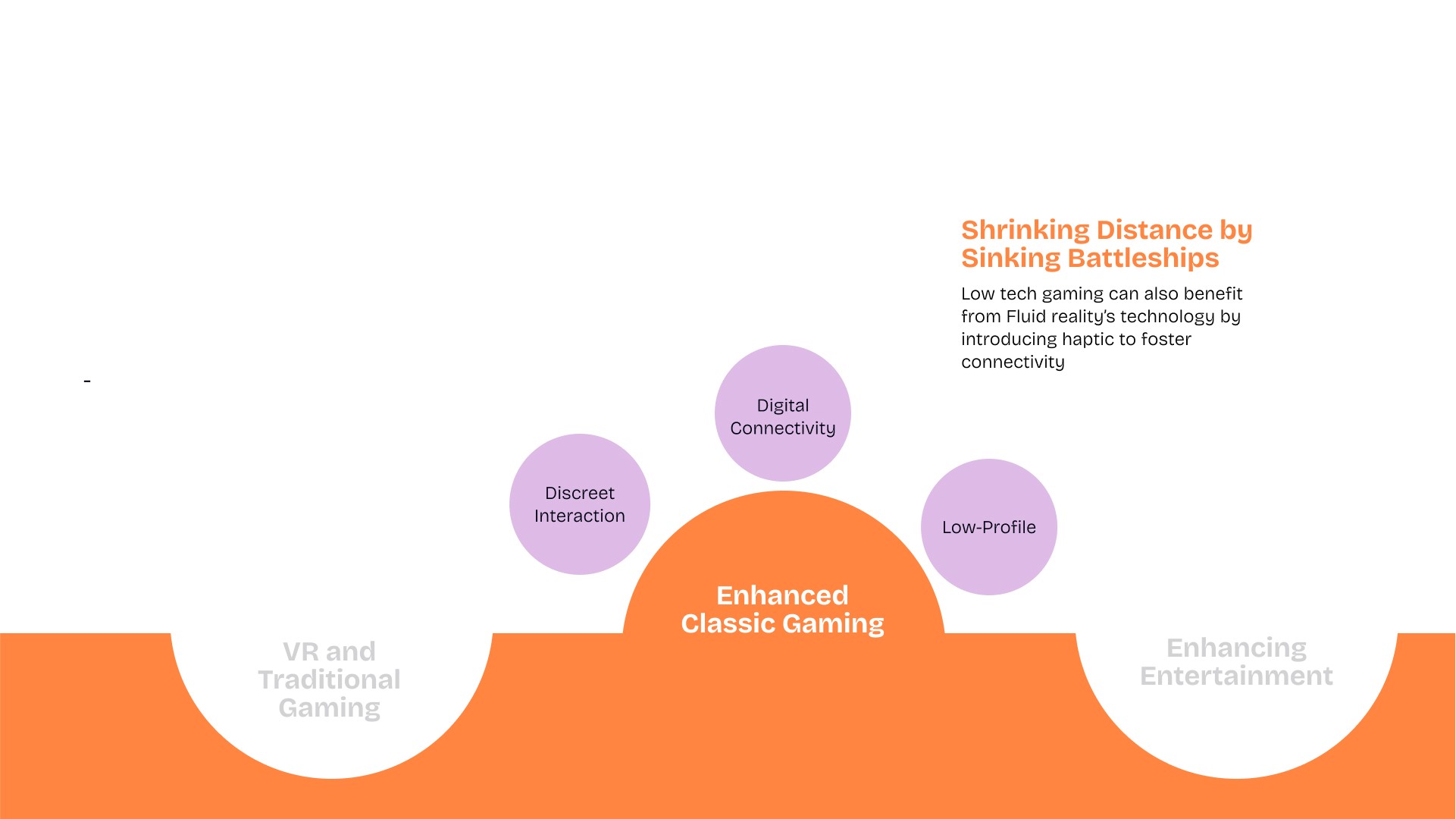
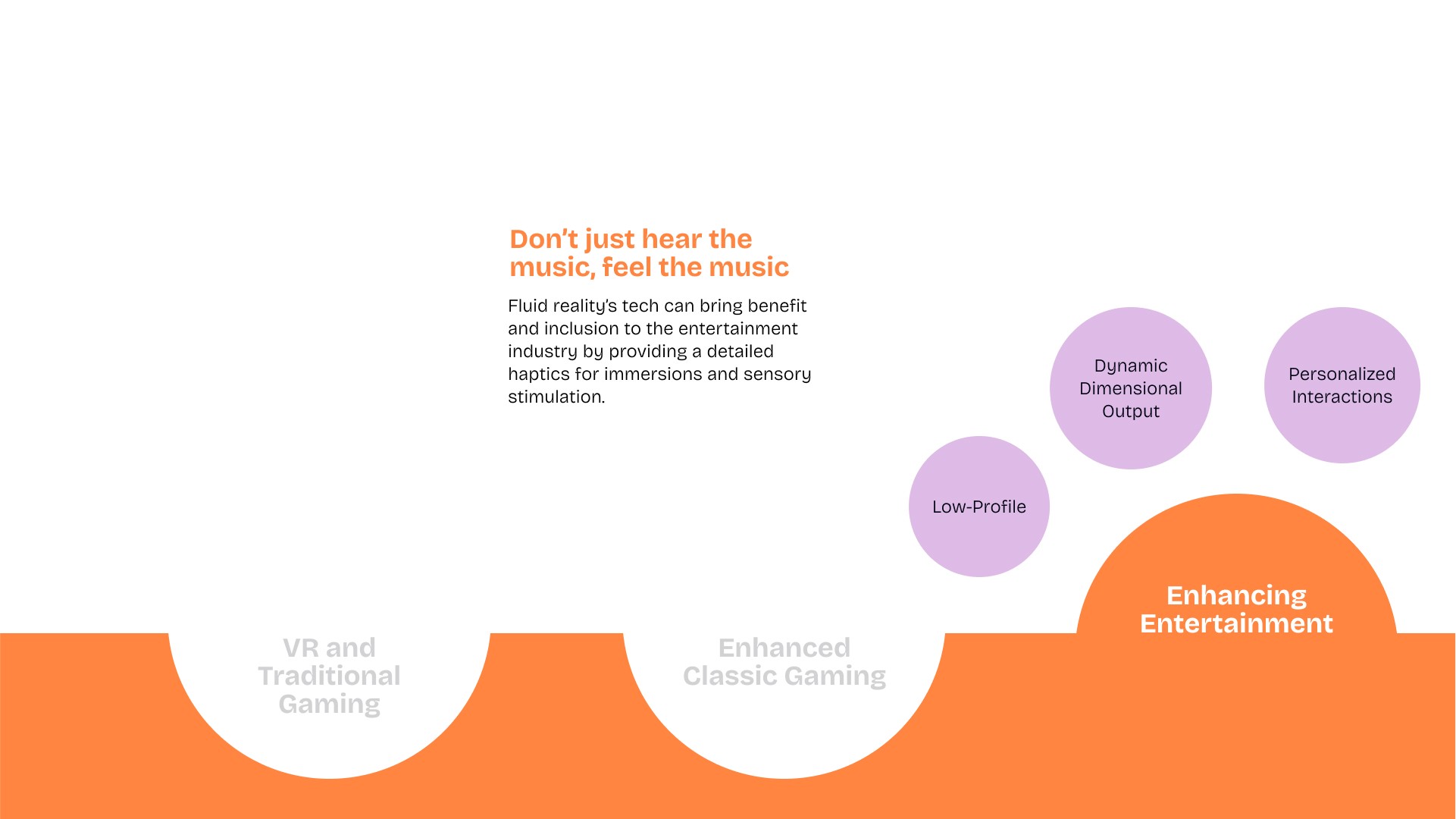
Immersive Experiences: enhancing gaming & entertainment beyond visual & auditory stimulation
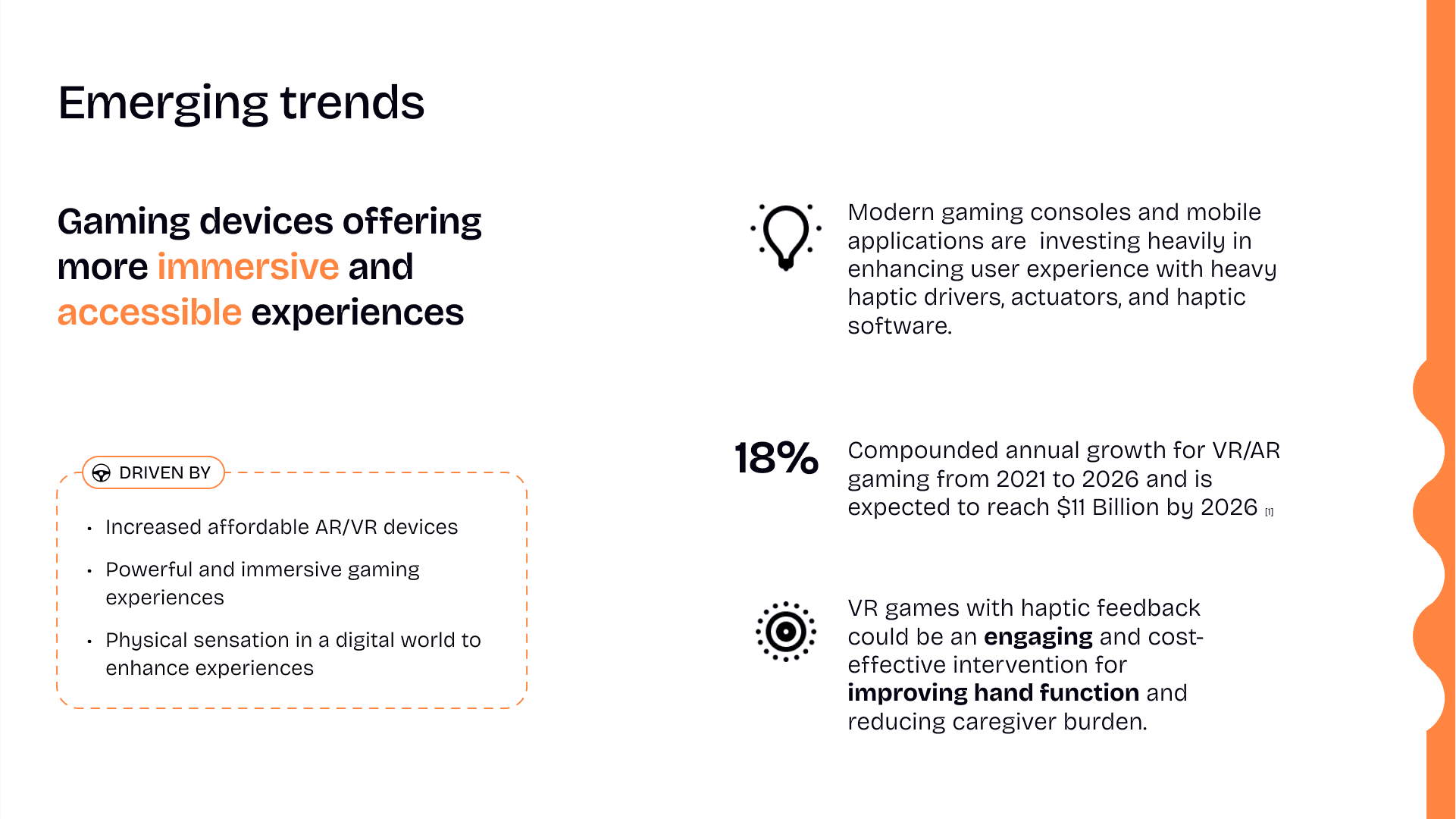
How has the market responded?
Increased precision from the rumble controllers and older generations
Increased investment in haptic technology in wearables for immersive gaming and sports training
Discreet Communication: for personal safety in cities
Visibly Invisible Tech: for subtle yet powerful interaction experiences
Immersive Experiences: enhancing gaming & entertainment beyond visual & auditory stimulation
Preliminary Primary Research into Enhancing Gaming Experiences
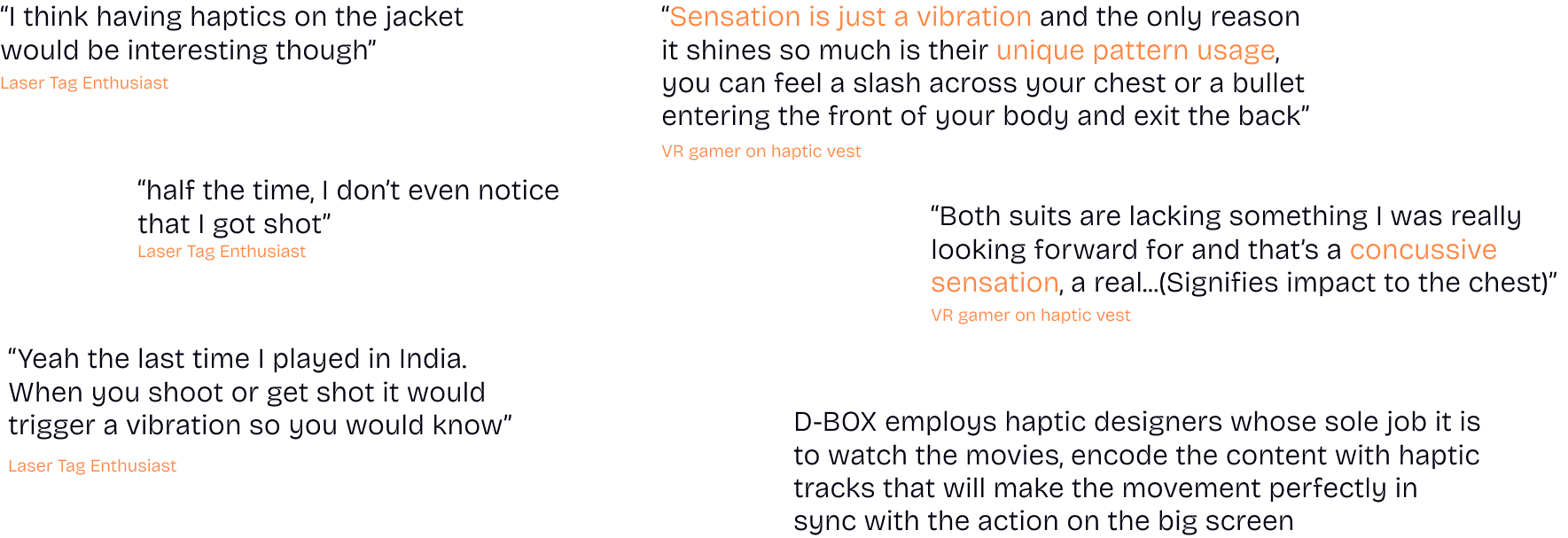
Opportunity Areas
Development
7 weeks
Design Objective
Design a handheld robot controller that enables object manipulation and haptic feedback remotely.
Design Intent
The intent is to collect touch data so that robots can independently learn to manipulate objects on their own.
Design Characteristics & Constraints
1
Feasible within the next 2 - 3 years
2
Opposing thumb and index or middle finger grasping is the initial goal
3
Useable by a broad range of hand sizes and people unlike sized gloves
4
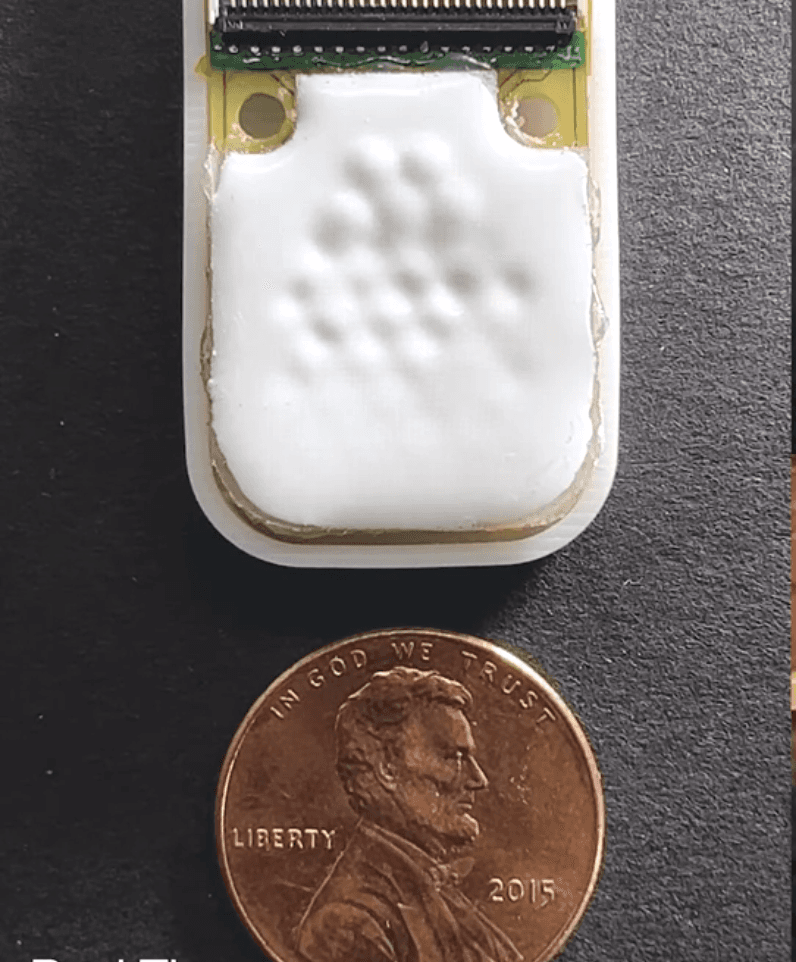
Utilize Fluid Technology haptic touch
5
Can be left and right handed
6
Buildable as a commercial product
7
Controller location can be through mechanical linkage, infrared or other tracking sensor technology
8
Intuitive to understand with limited instruction needed
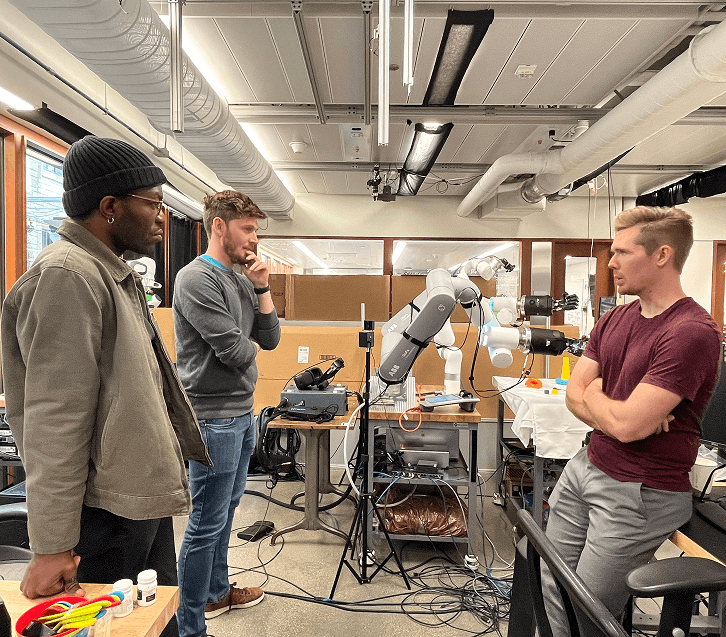
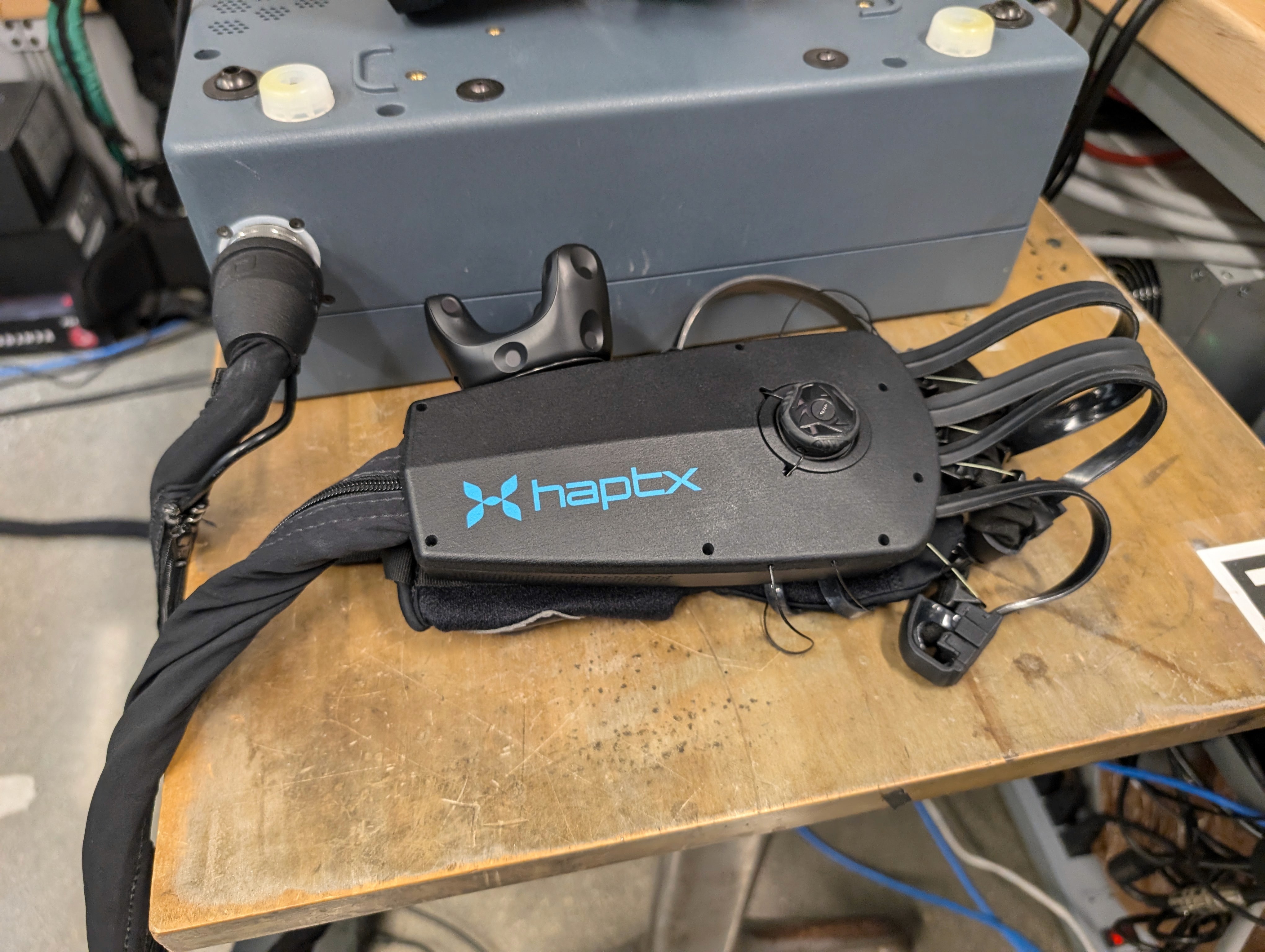
Observations and discussion of the Dex Next System at the Northwestern Center for Robotics and Biosystems.
Form Exploration
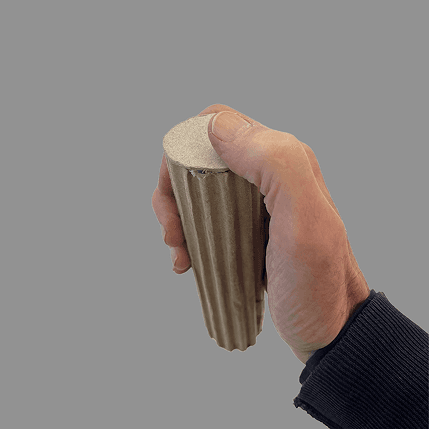
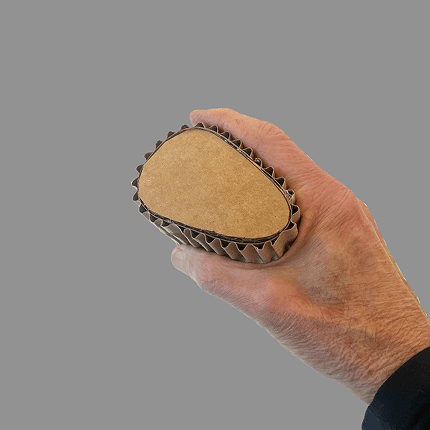
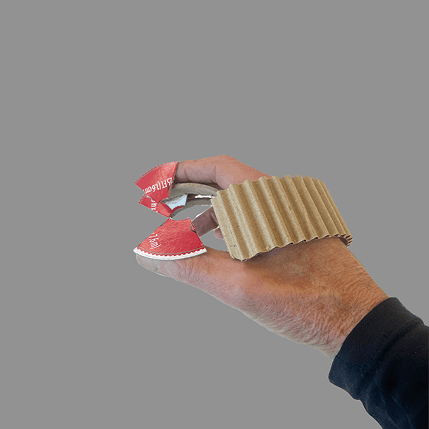
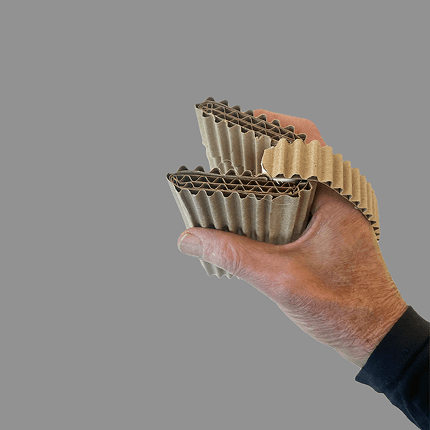
Exploring various forms through rapid prototyping was essential for understanding the limitations and benefits of the different controllers
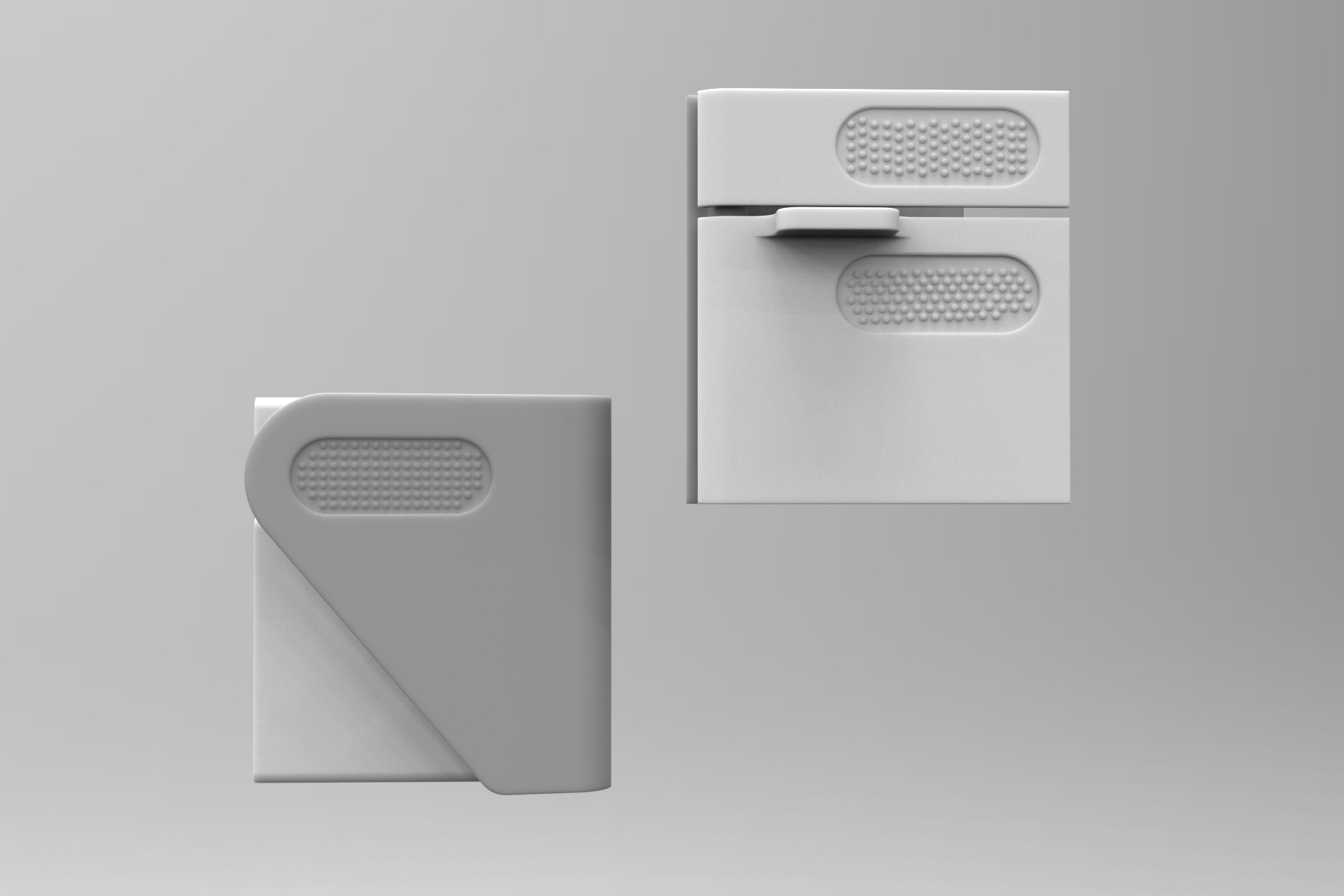
F1 Controller
Digital render left to right: Rear view thumb mount, index & middle finger support
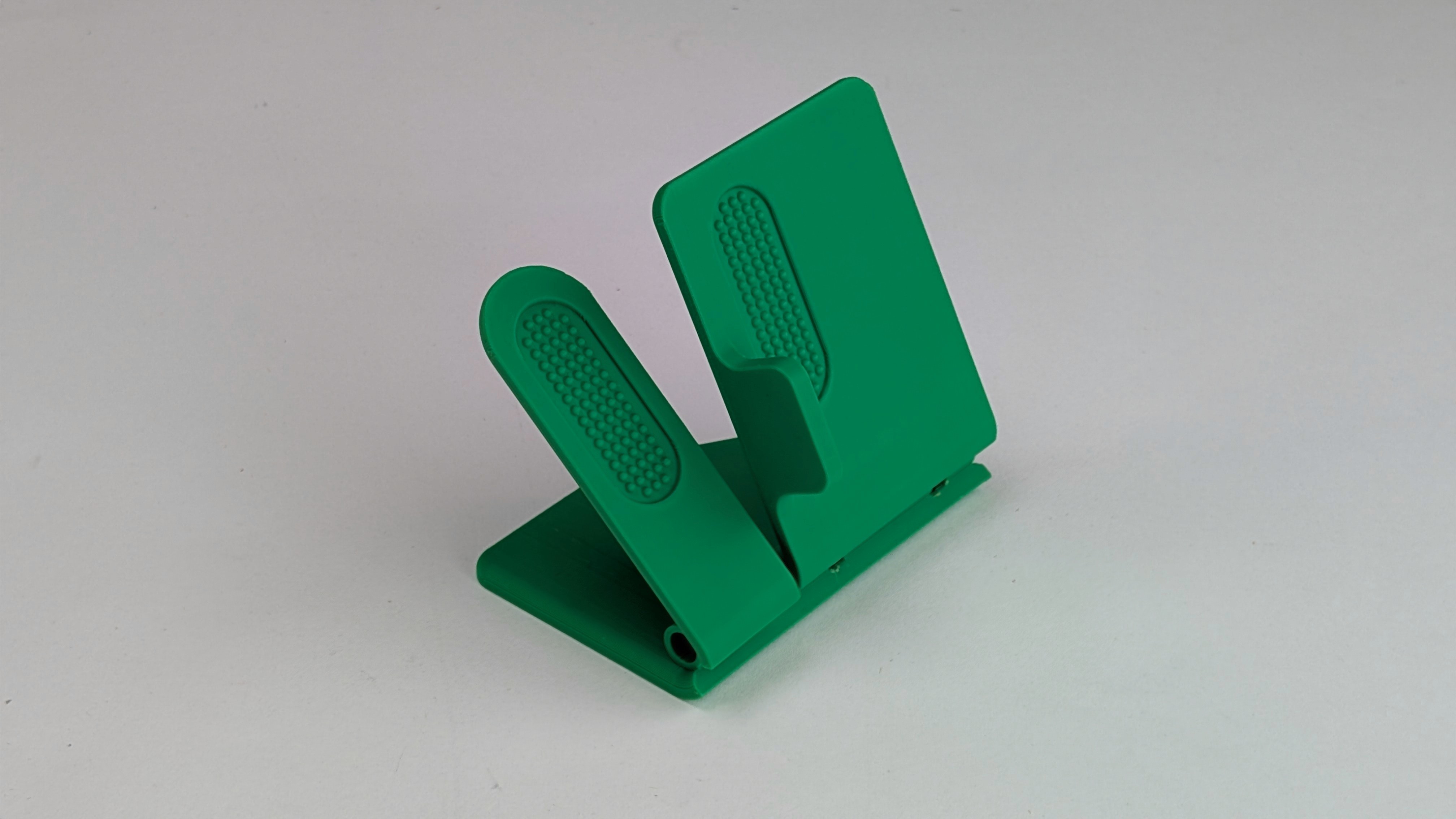
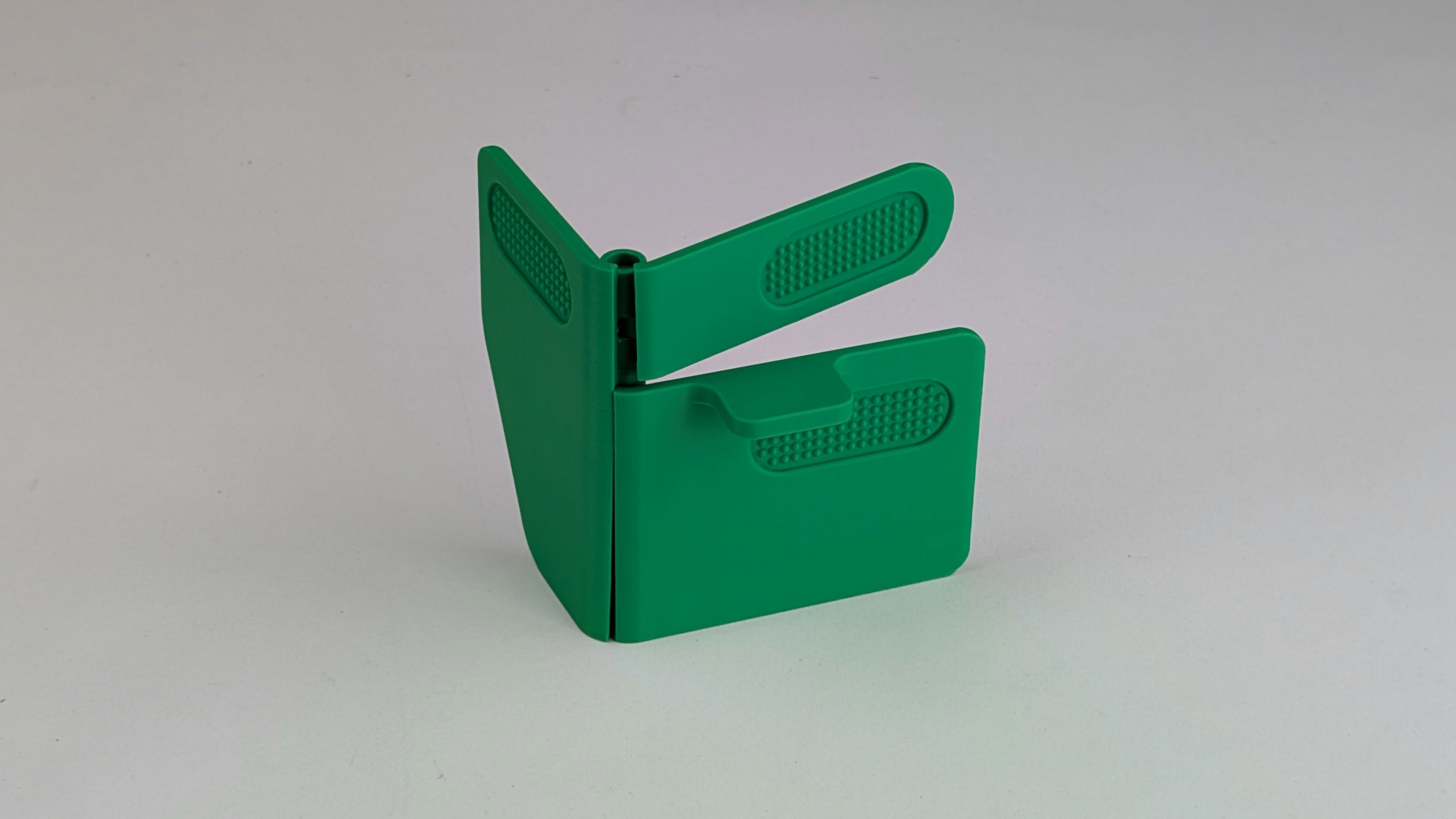
3D Printed model
Building Functionality
14 weeks
Research Question
How does the use of actuators affect teleoperation performance and user experience?
In order to do this, we needed to explore what forms make teleoperation controllers usable and “streamline” the remote experience?
Design Objective
Attach the F1 controller to the Le Robot arm to determine if the inclusion of haptic sensors improve teleoperation capabilities.
Design
Constraints
1
Useable by a broad range of hand sizes and people unlike sized gloves
2
Opposing thumb and index or middle finger grasping is the initial goal
3
Accommodate left and right handed individuals
4
Utilize Fluid Technology haptic touch
5
Intuitive to understand with limited instruction needed
Defined Tasks For Analysis
The tasks were selected with these larger themes as design criteria
Accessibility
Inclusive
User Friendly
Plug USB Cable
This will help us highlight users ability to interact with small objects and precision control.
Open Bottle/Jar
This will help us highlight users ability to use both left and right controls and test users abilities to feel smaller details
Make a Sandwich
This will help us highlight users ability to interact with delicate objects.
Pick Grapes off Stems
This will help us observe and document users ability to interact with delicate objects.
COMPUTATIONAL RESEARCH
Systemic Review
We analyzed academic papers to identify key factors like force feedback, user control, and task performance. This helped us understand current challenges and shape a design that adds real value to remotely controlled systems.
Search Terms
Teleoperations
Feedback
Control
Contact
Haptic
Object
Hand
Hypothesis
Teleoperation systems with force-feedback actuators will demonstrate significantly lower task completion times compared to systems without force feedback.
Users operating teleoperation systems with haptic actuators will report higher perceived control and lower cognitive workload compared to systems without haptic feedback.
Increasing actuator fidelity (higher force accuracy and responsiveness) will improve user performance but may also increase physical fatigue.
Why conduct a systematic review?
This research was conducted to enhance the viability and reproducibility of this topic. Carefully collected, evaluate, and summarize the available evidence used to prove or disprove the hypothesis that haptic technology might improve teleoperations.
Based on the probabilistic analysis and heat map, we found that key terms like “actuators,” “haptic,” and “feedback” consistently appear in papers related to teleoperation performance and user experience—highlighting their importance in the field.
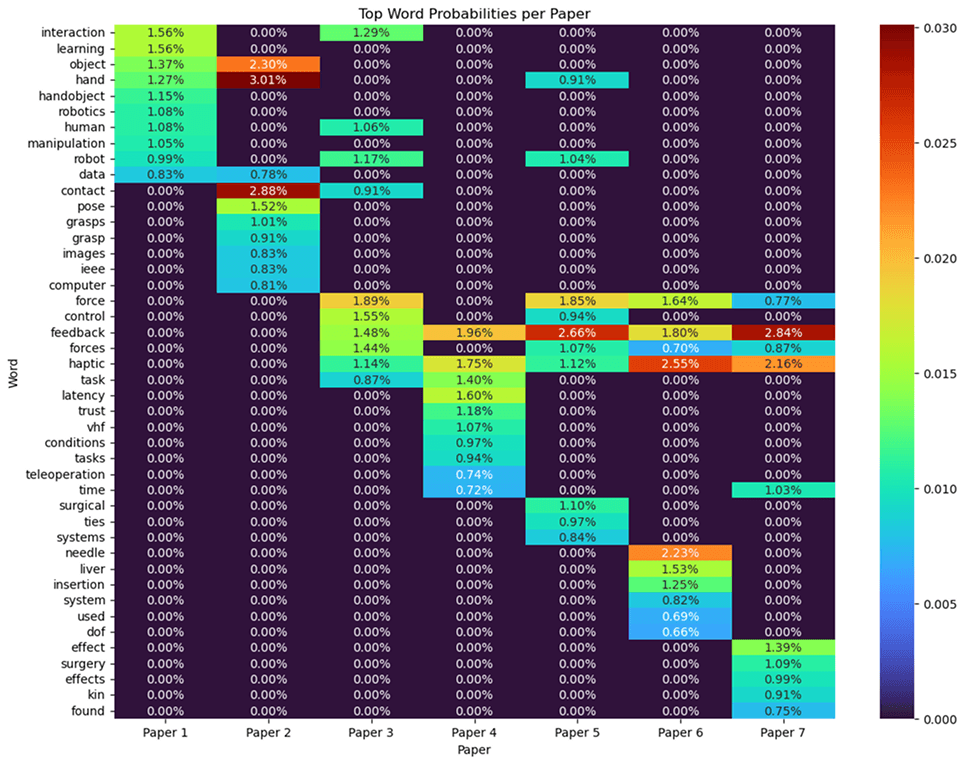
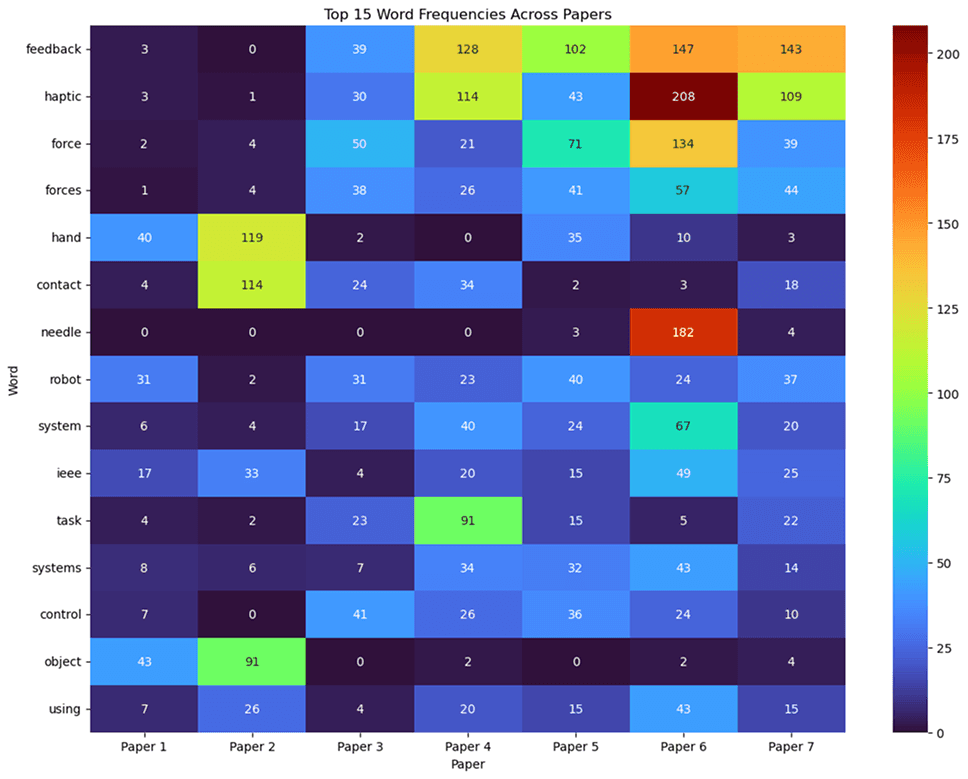
Paper 7 shows a strong occurrence correlation in keywords in “haptic”,” feedback”.
Paper 6 shows a strong occurrence correlation in keywords in “force/forces”, “haptic”,”feedback”, and “system”.
Paper 5 shows a strong occurrence correlation in keywords in “force/forces”, “haptic”,”feedback”, and “system”.
Paper 4 shows a strong occurrence correlation in keywords in “task”, “haptic”,”feedback”.
Paper 2 shows a strong occurrence correlation in keywords in “hand”, “object”,”contact”.
Insights
Task Analysis
For improved teleoperation control, tasks must be tailored to measure the outcome of time taken to complete tasks with varying difficulty.
Force Feedback
Force Feedback is essential for users to contextually interact with objects, understanding object tolerance and limits.
Control
Control being adaptable for multiple hand sizes and preferences is essential to understanding how people engage with objects and avoid biases
Haptic Feedback
Haptics are the bedrock of teleoperations, providing the controllers a system that allows them to feel when they come in contact with an object and object surface properties are important to training computers on how to handle and interact with the objects.
F1 Controller (v2)
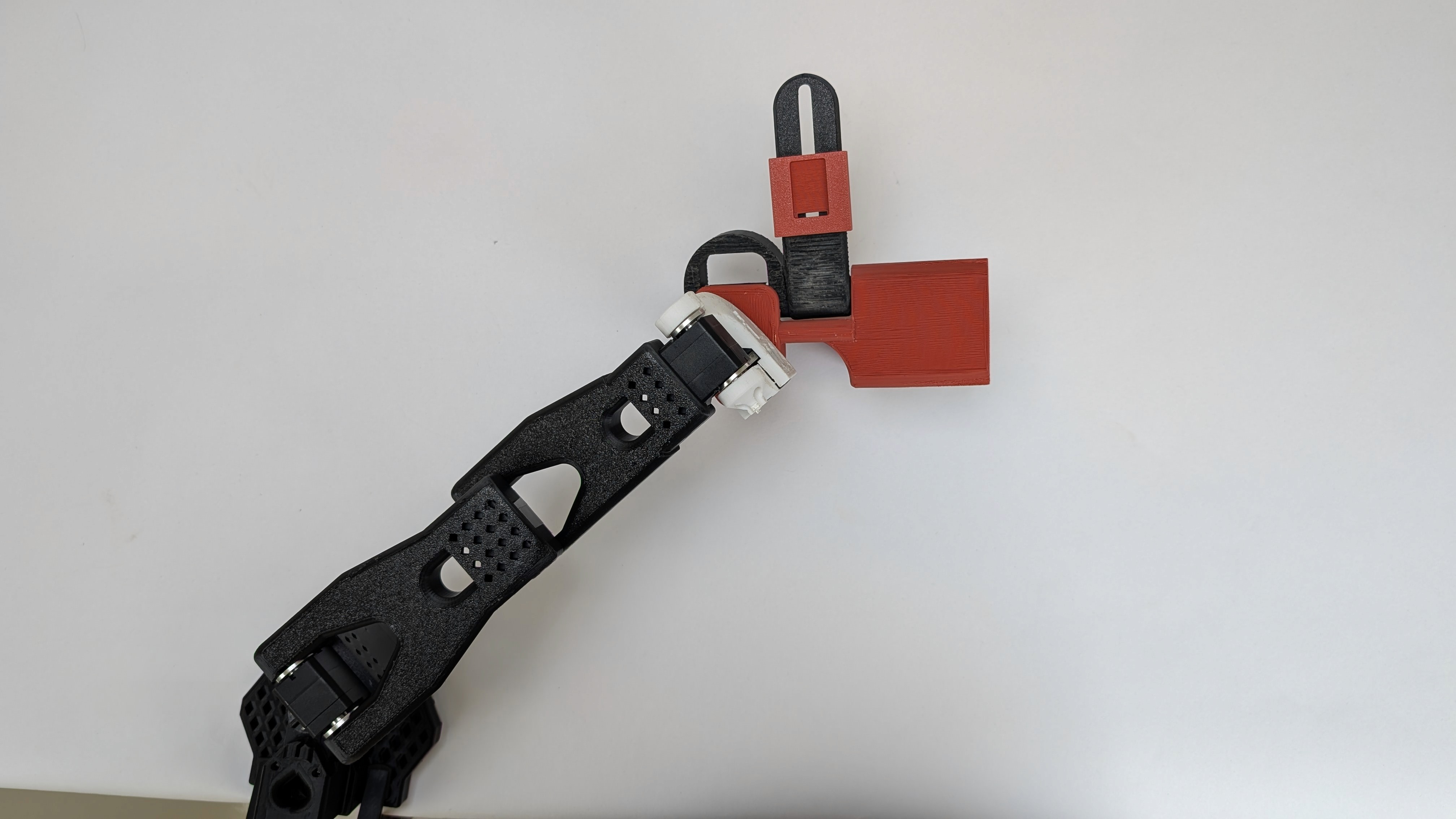
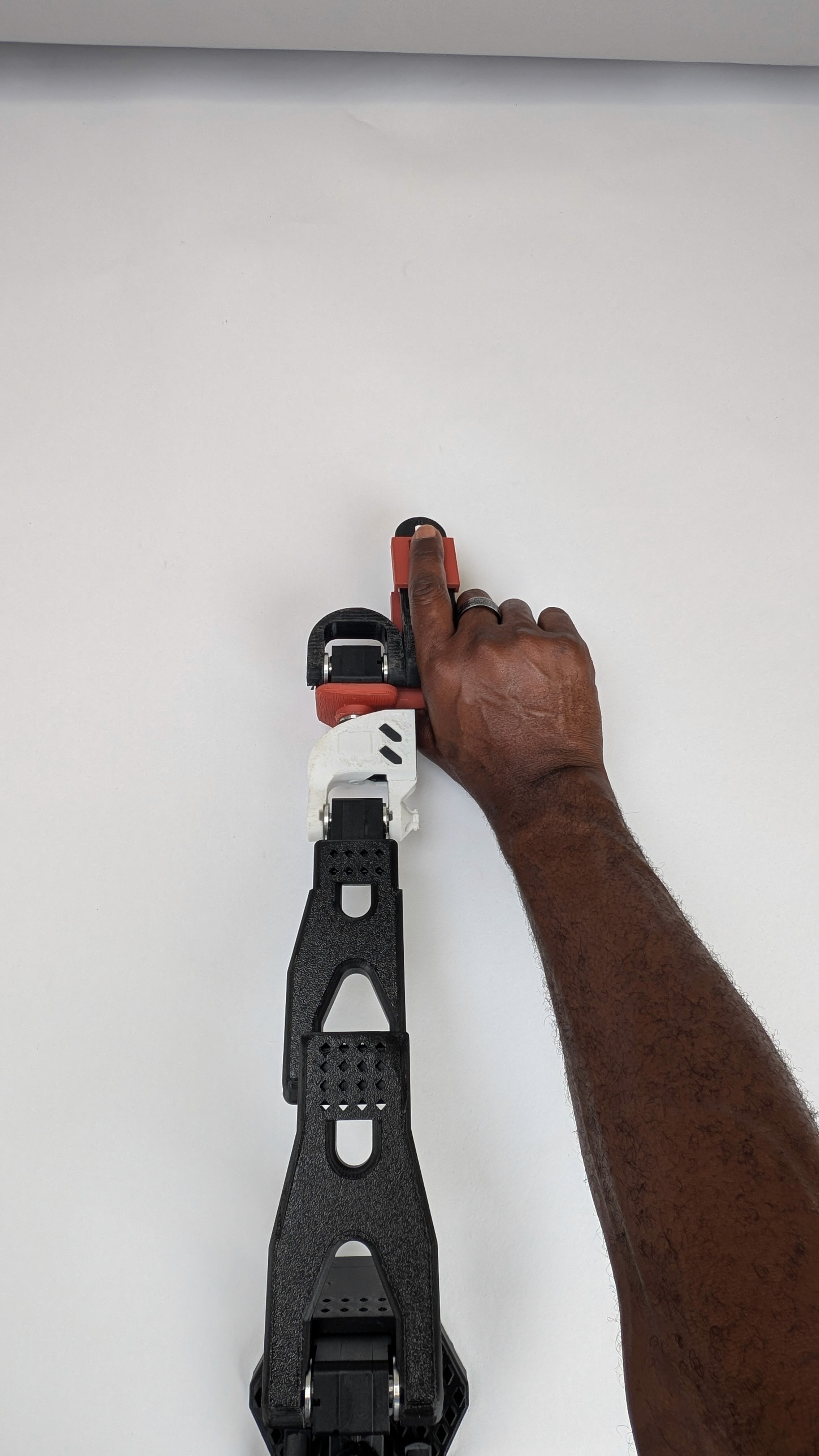
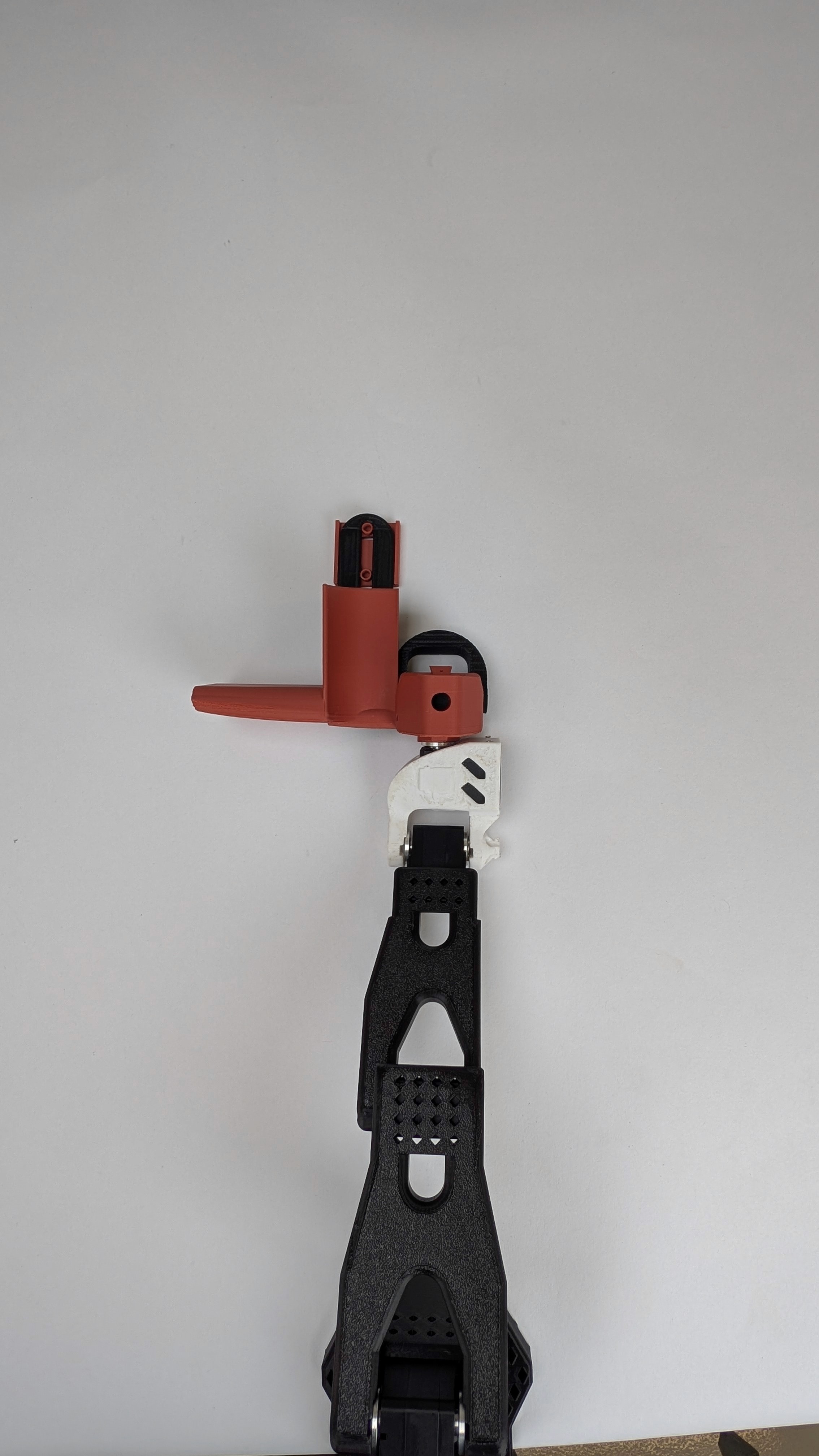
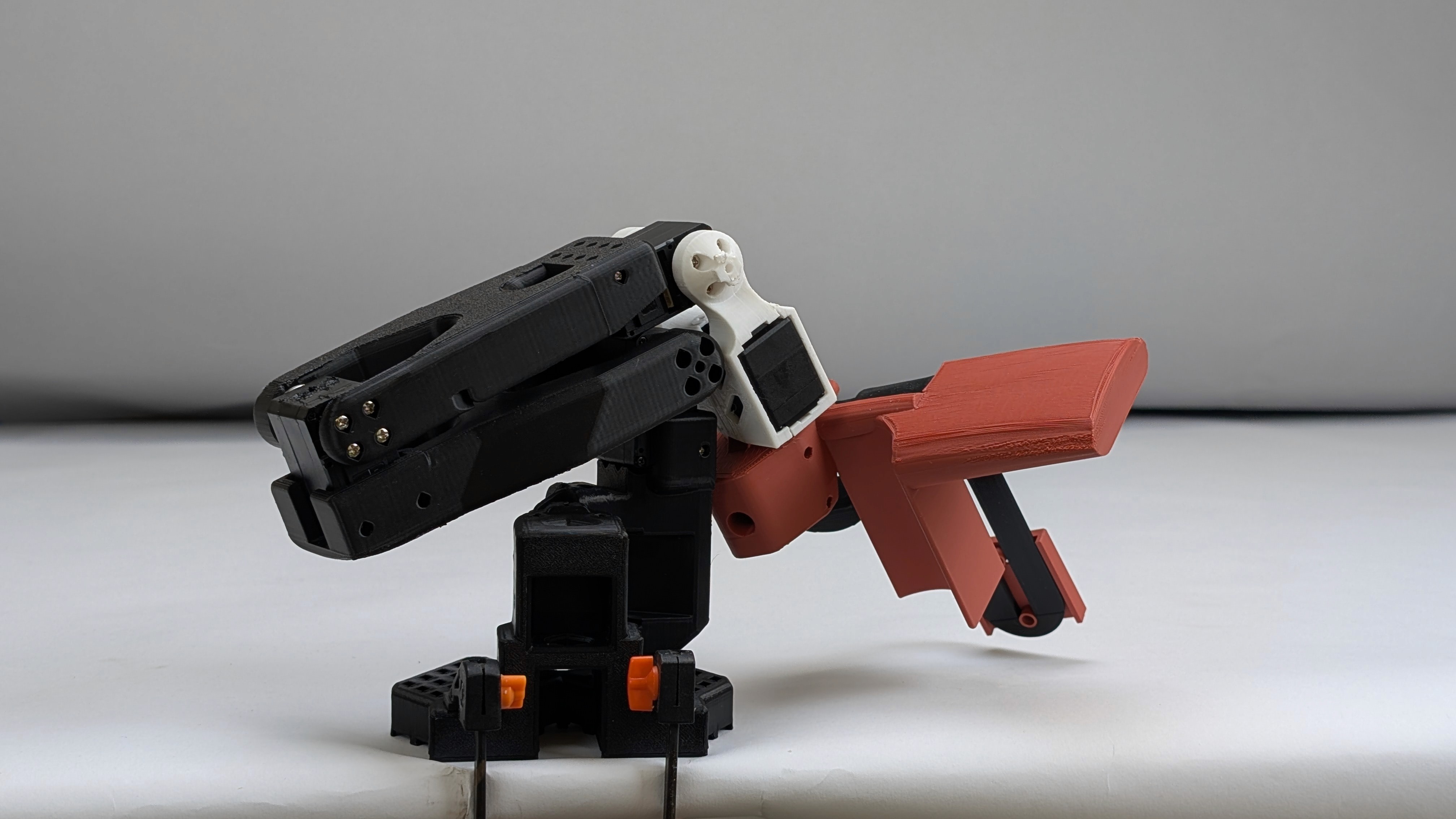
Right, Back & Top View
Usability Test
Before testing the actuators for teleoperation we had to critique the form of the F1’s design and ensure the controls meet the design parameters we set out to achieve.
Task Analysis
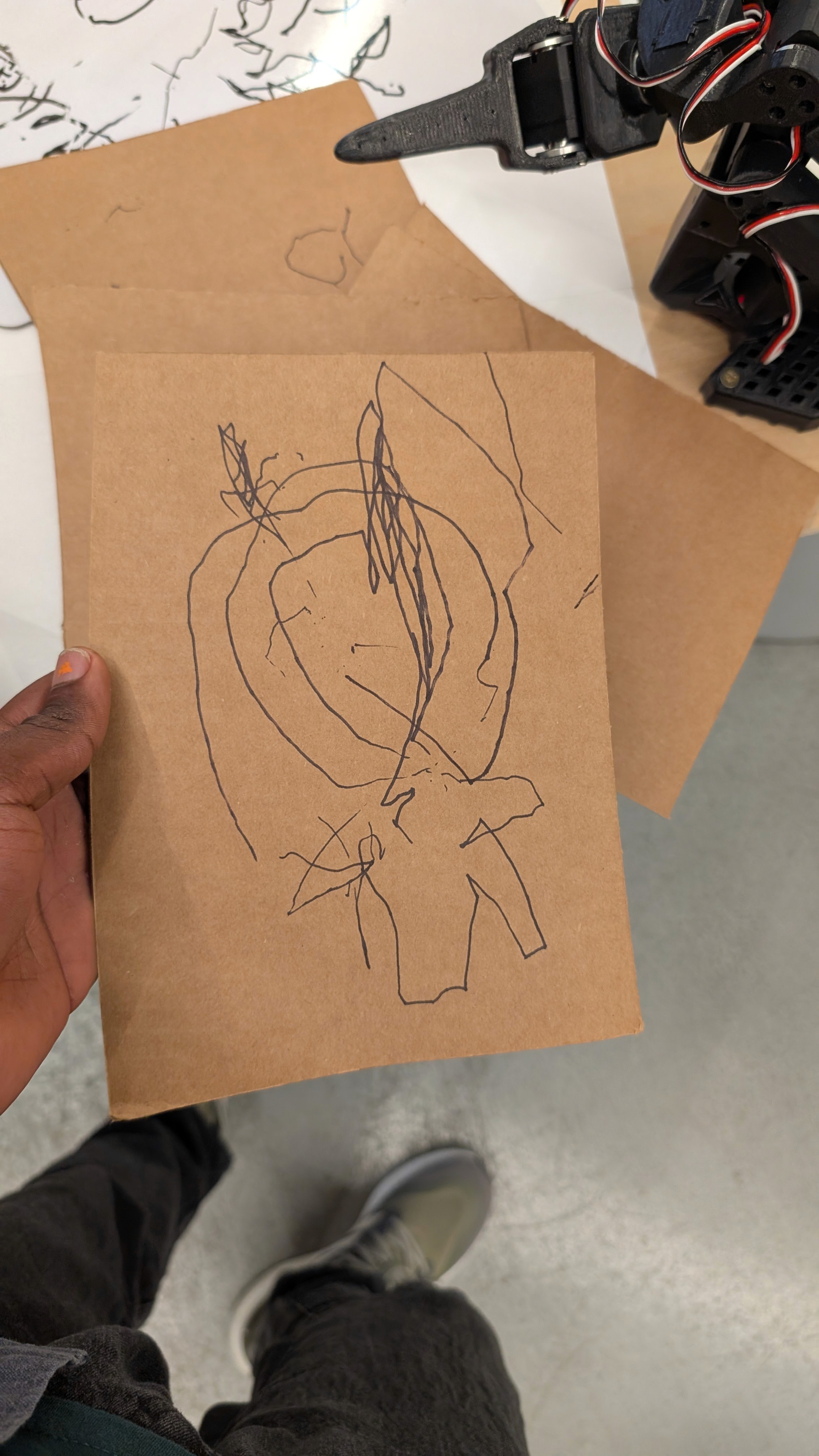
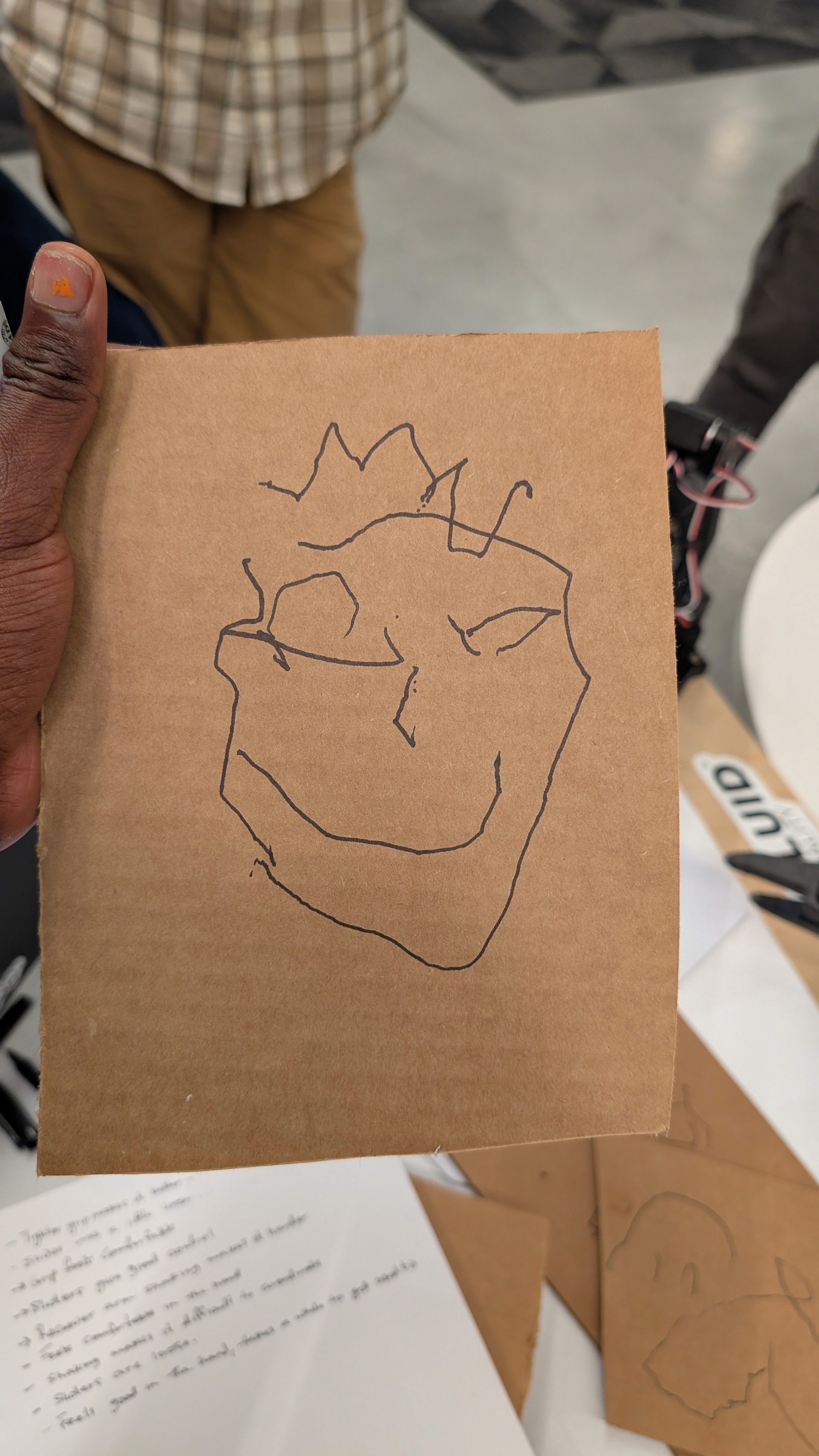
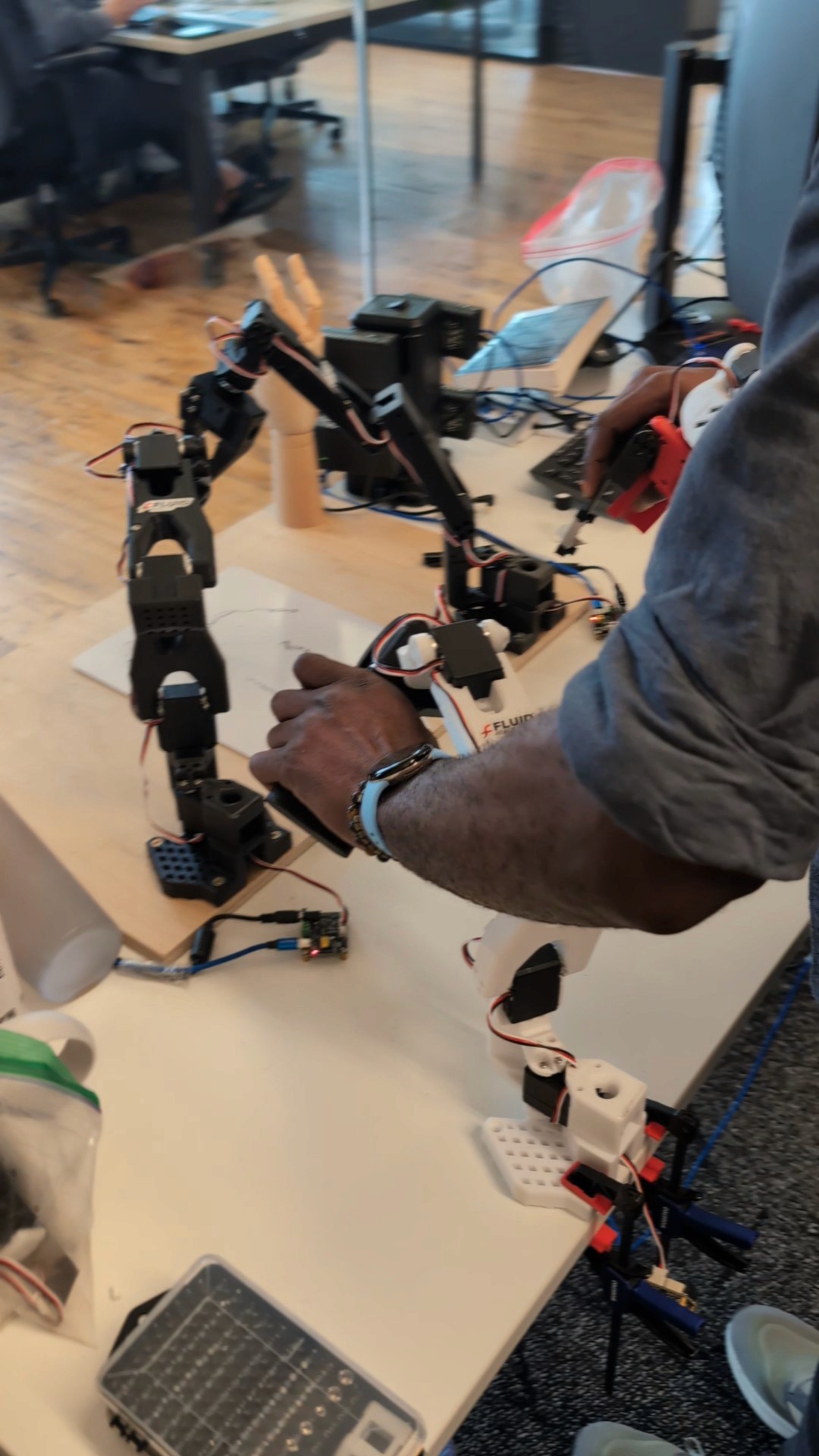
Using the set up shown, Users were assigned tasks to complete to evaluate it’s ease of use and comfort.
Sign your name
Draw anything
Open a bottle/jar
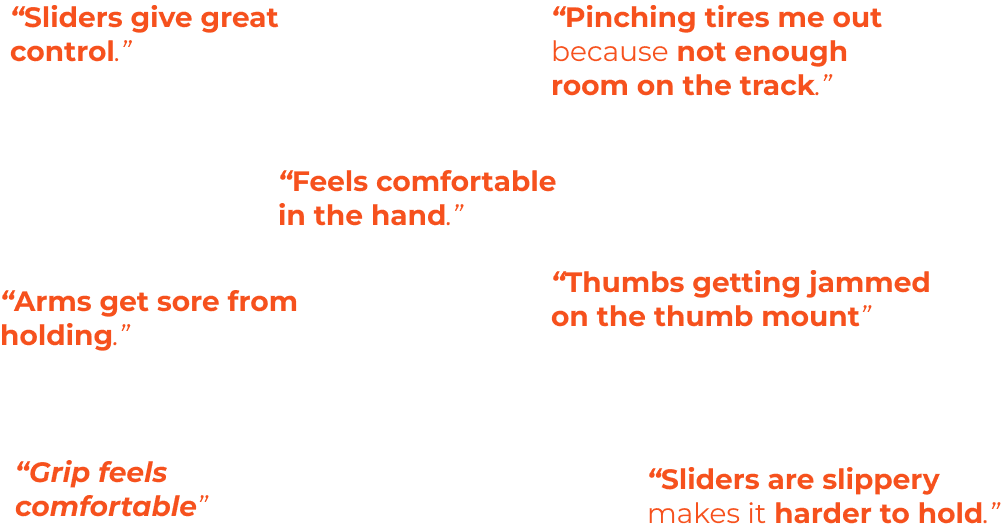
Ergonomics & Comfort
How the product physically feels and fits in the user's hands is crucial. Some elements like rubber grip and thumb positioning need refinement.
Insights
Creating a longer track for the slider will help accommodate a larger variety of hand sizes
Developing alternative means for holding fingers in the track mount that accommodates different finger sizes.
A tighter slider track can improve usability, but further testing is needed.
Prolonged use can exert physical strain on its operator.
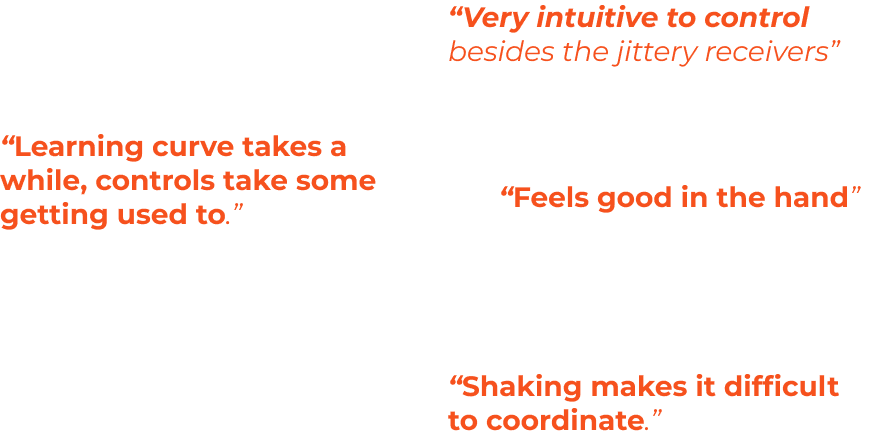
Control & Usability
There is a tension between the intuitive nature of the controls and practical difficulties with mastering them due to feedback issues or slippery surfaces.
Insights
The form of the device is on the right path, with adjustments needed of the thumb mount to ensure comfort to it’s operator.
Developing low latency translation across devices is essential for teleoperation as also confirmed in our systemic reveiw
Next Steps
Slider Upgrades
The slider mechanism is a great improvement to the F1 controller, allowing it to accommodate various hand lengths and sizes. Increasing the track length, and refining the slider actuator mount can help implement a more intuitive control system.
Finger Control Integration
This is essential for a truly intuitive control system. Creating an alternative means for holding the fingers will be key to improving usability
Robot Feedback
Bilateral communication still needs to be integrated to generate conclusive data supporting or disproving the previously defined hypothesis.
Isolated Parts
Index Finger Mount
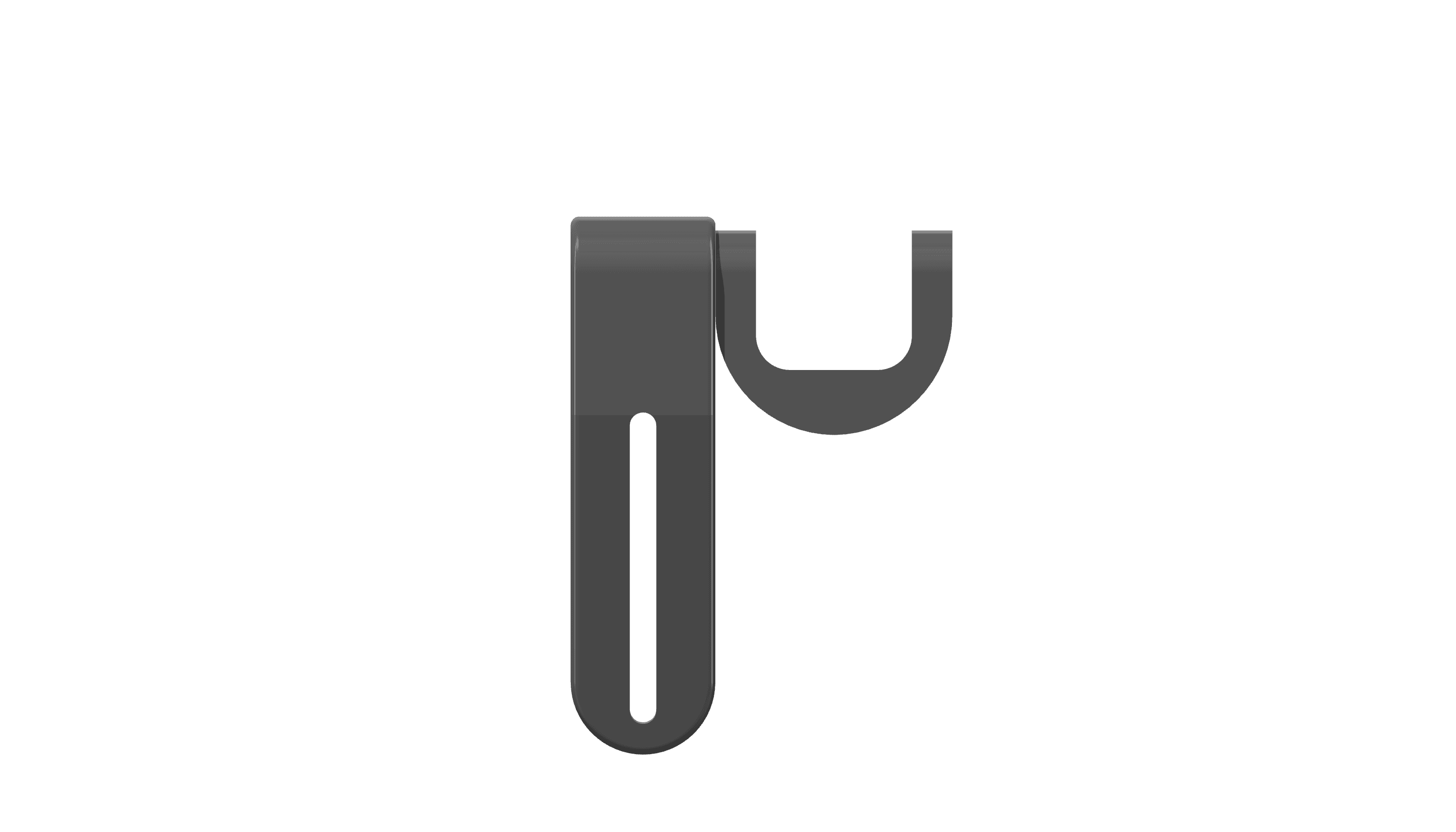
Front View
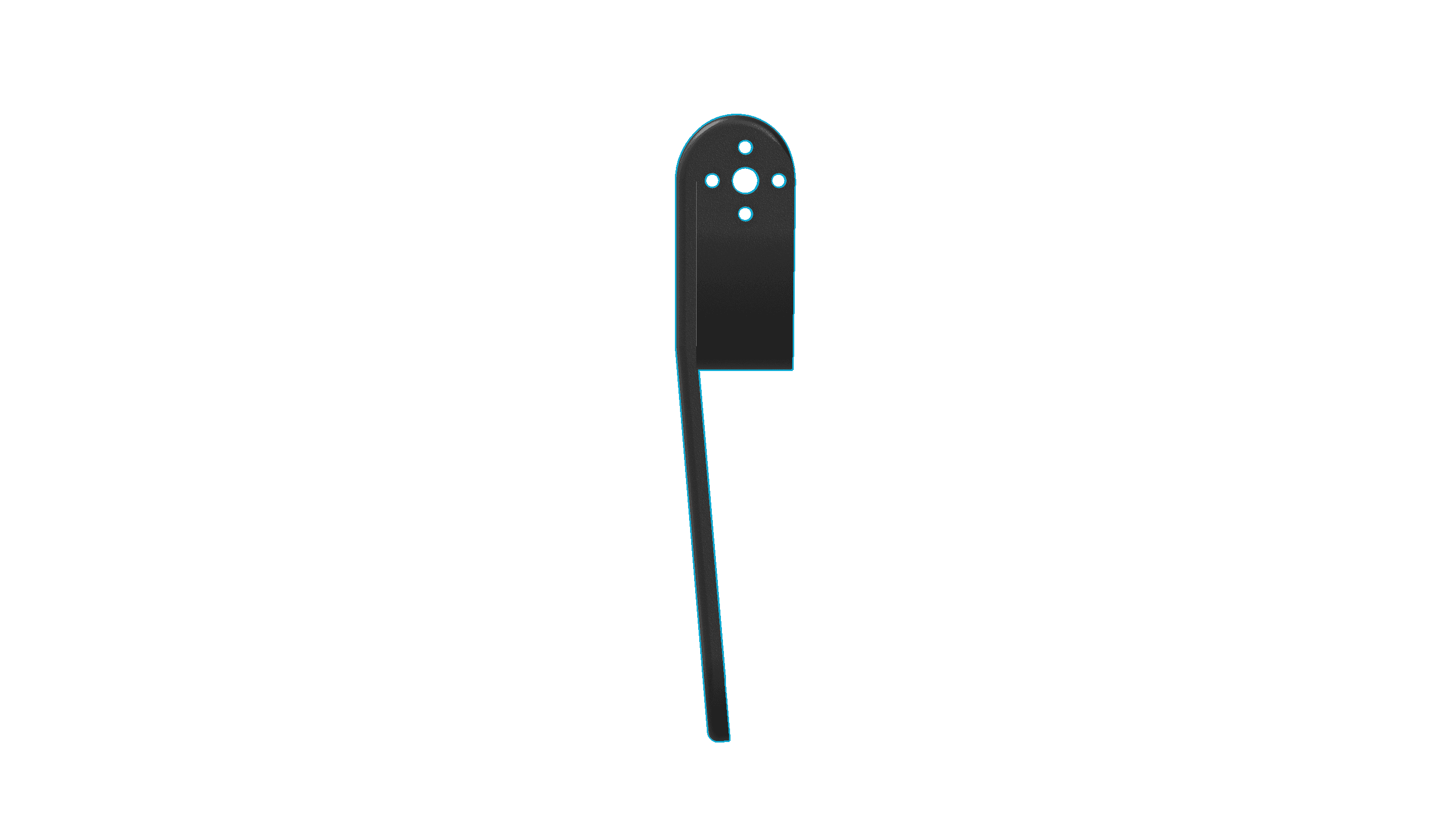
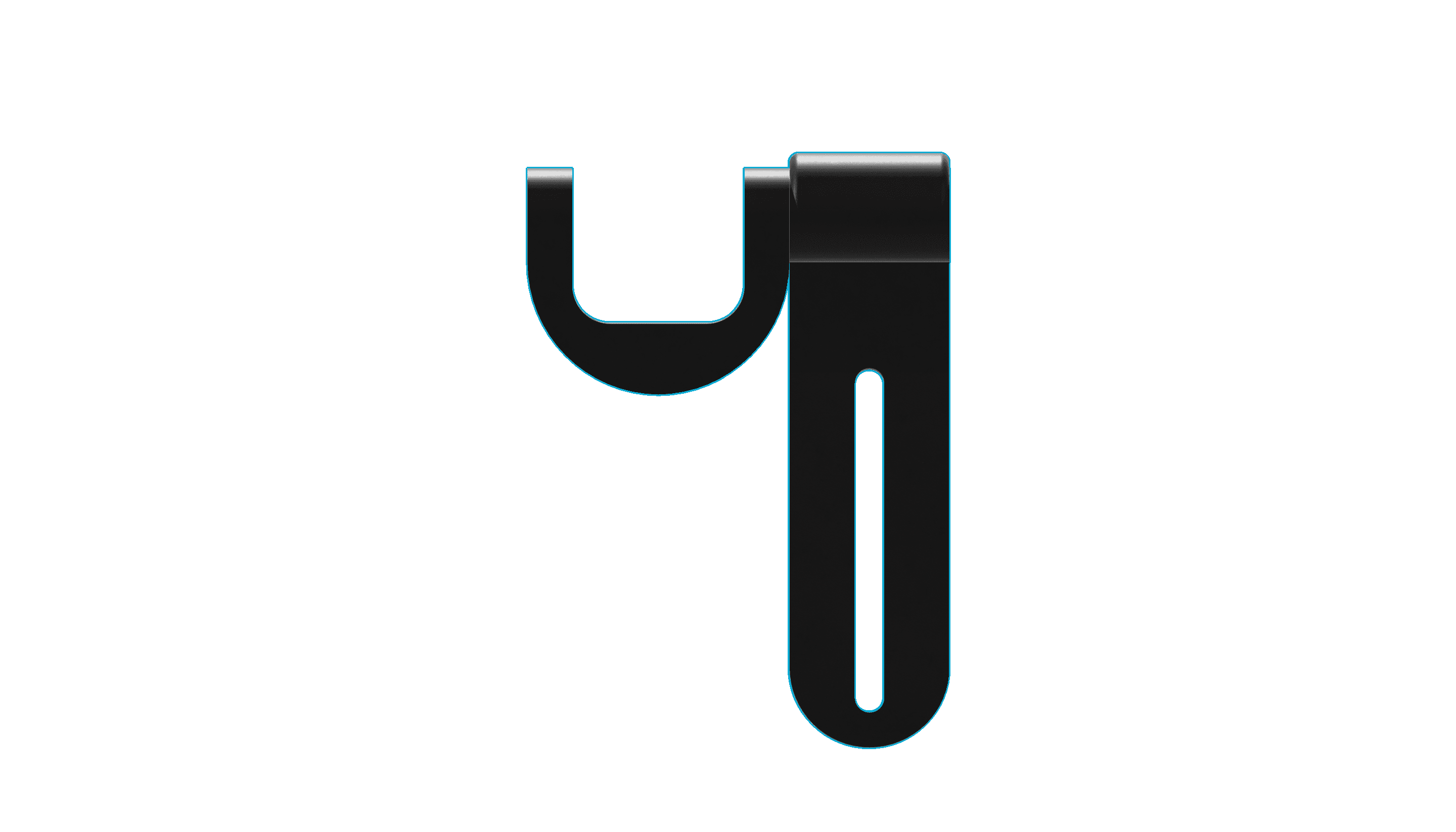
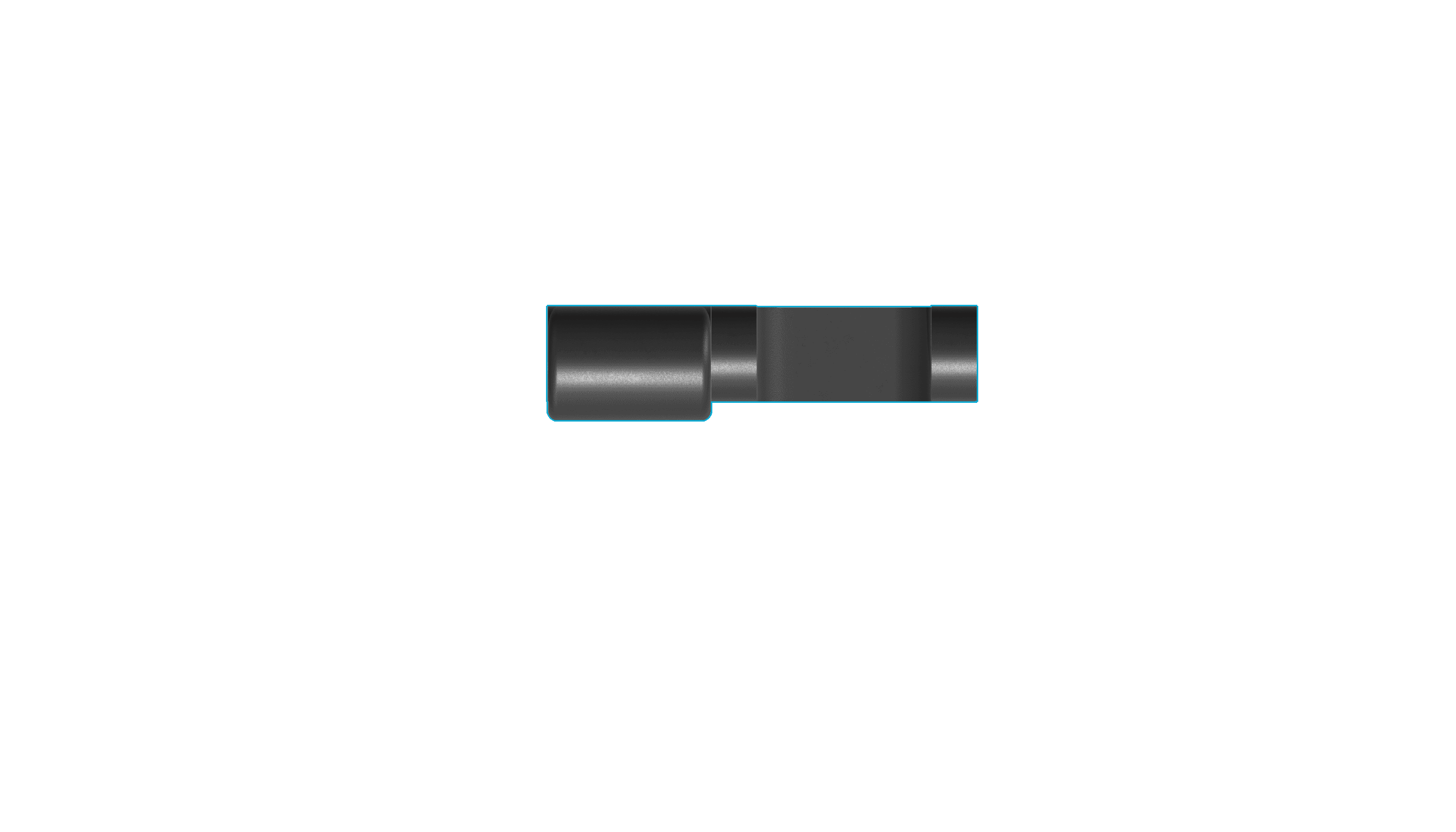
Right, Back & Top View
Thumb Mount
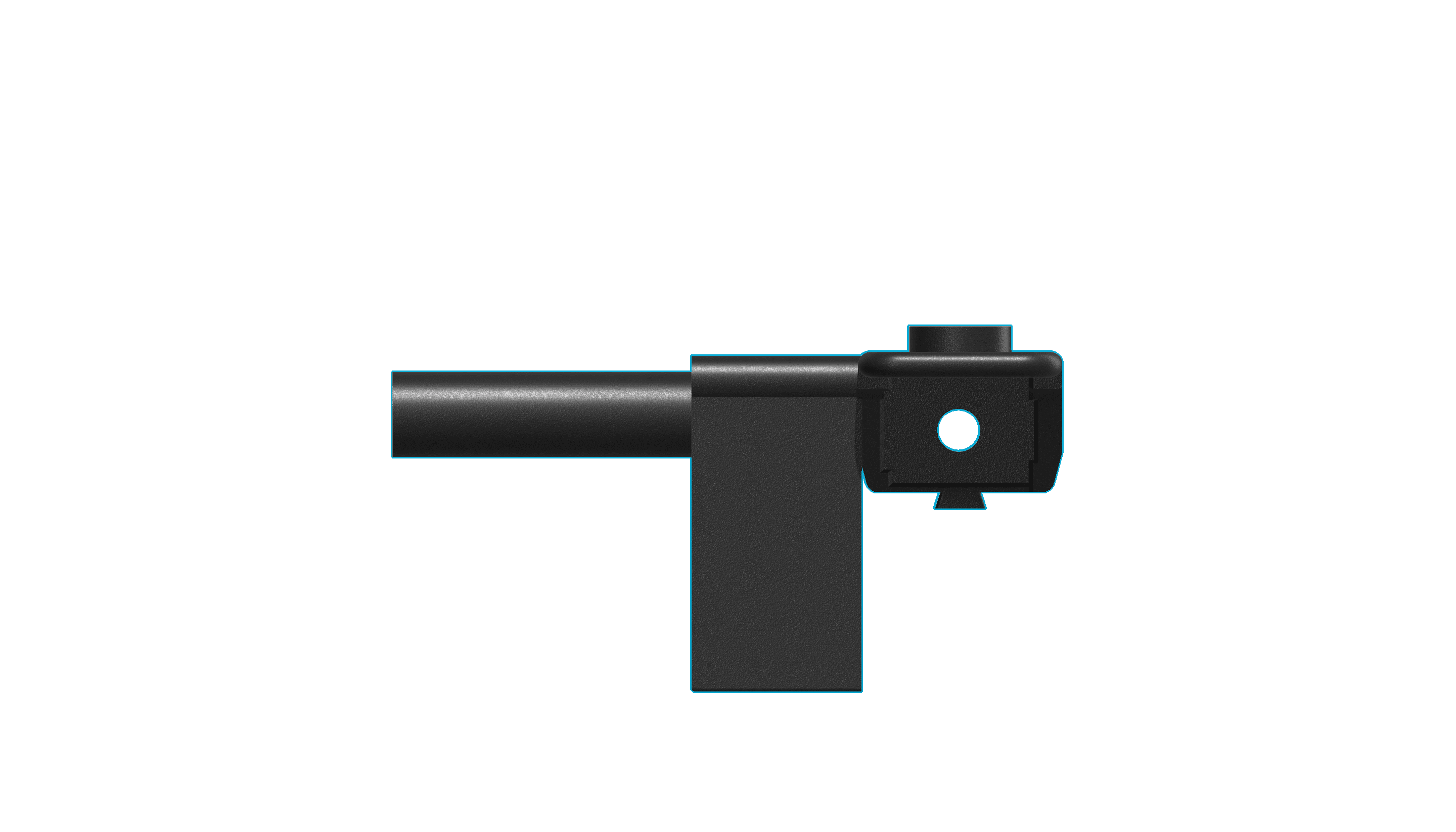
Front View
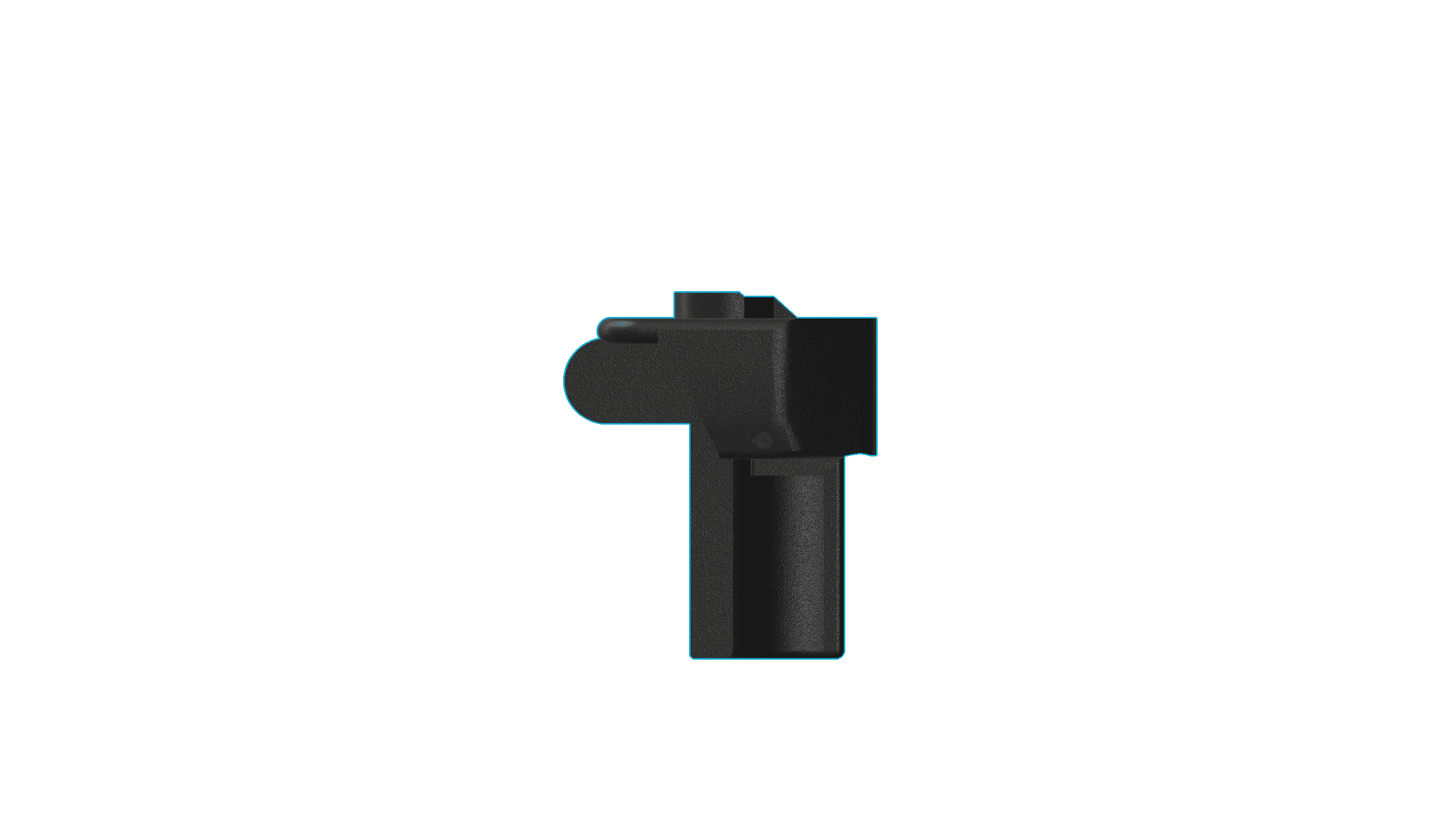
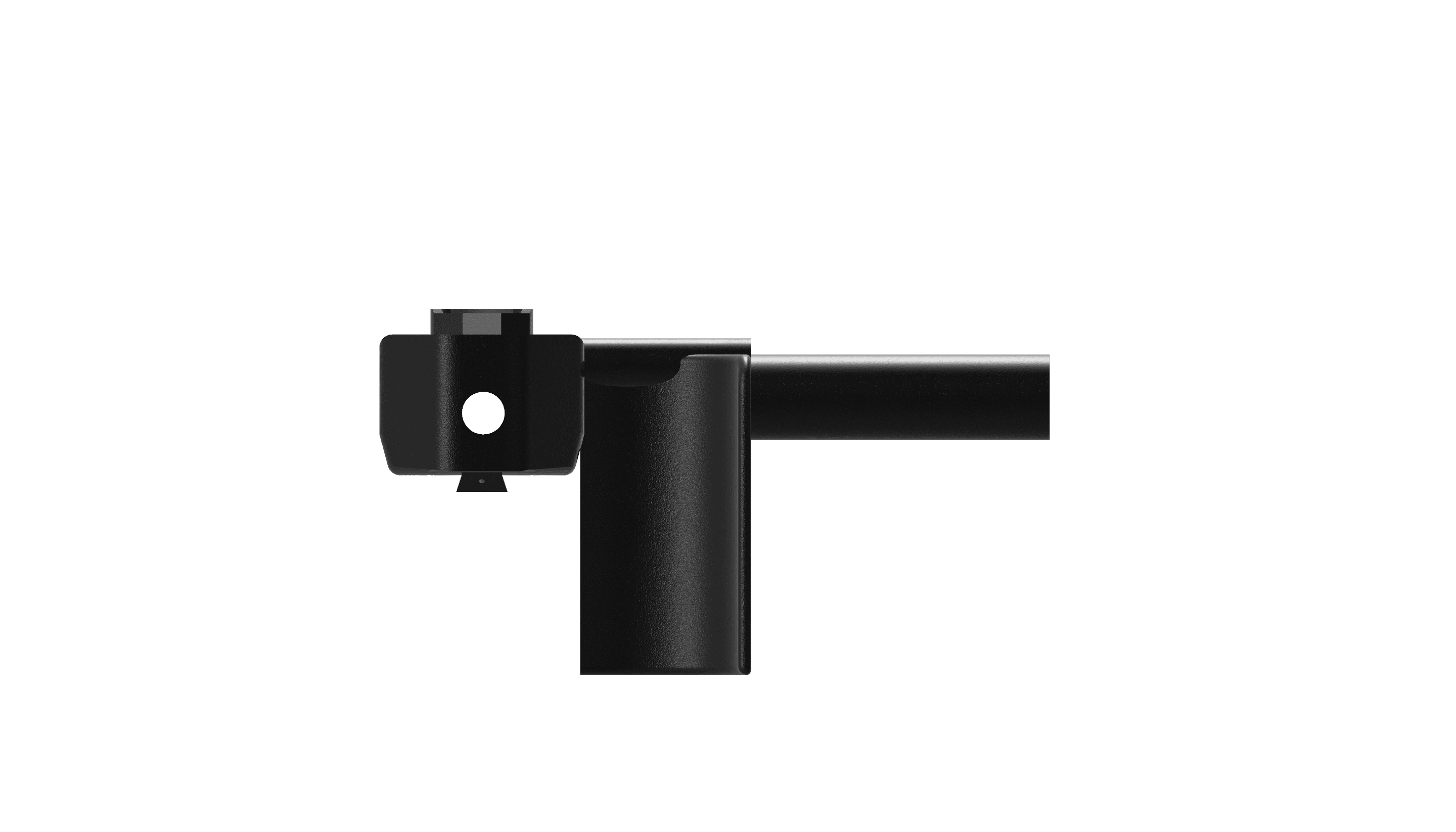
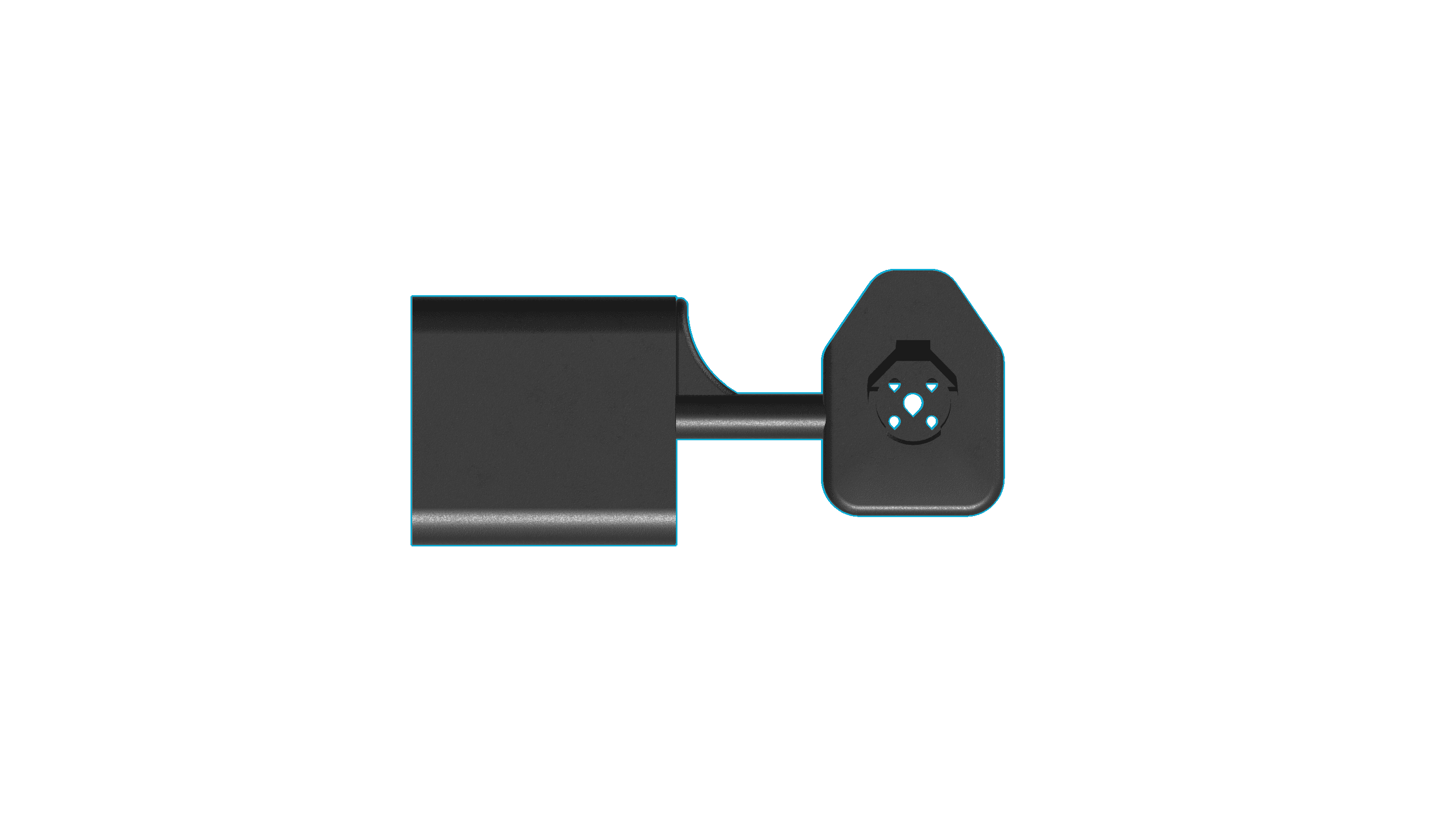
Right, Back & Top View
Finger Slider (Actuator Mount)
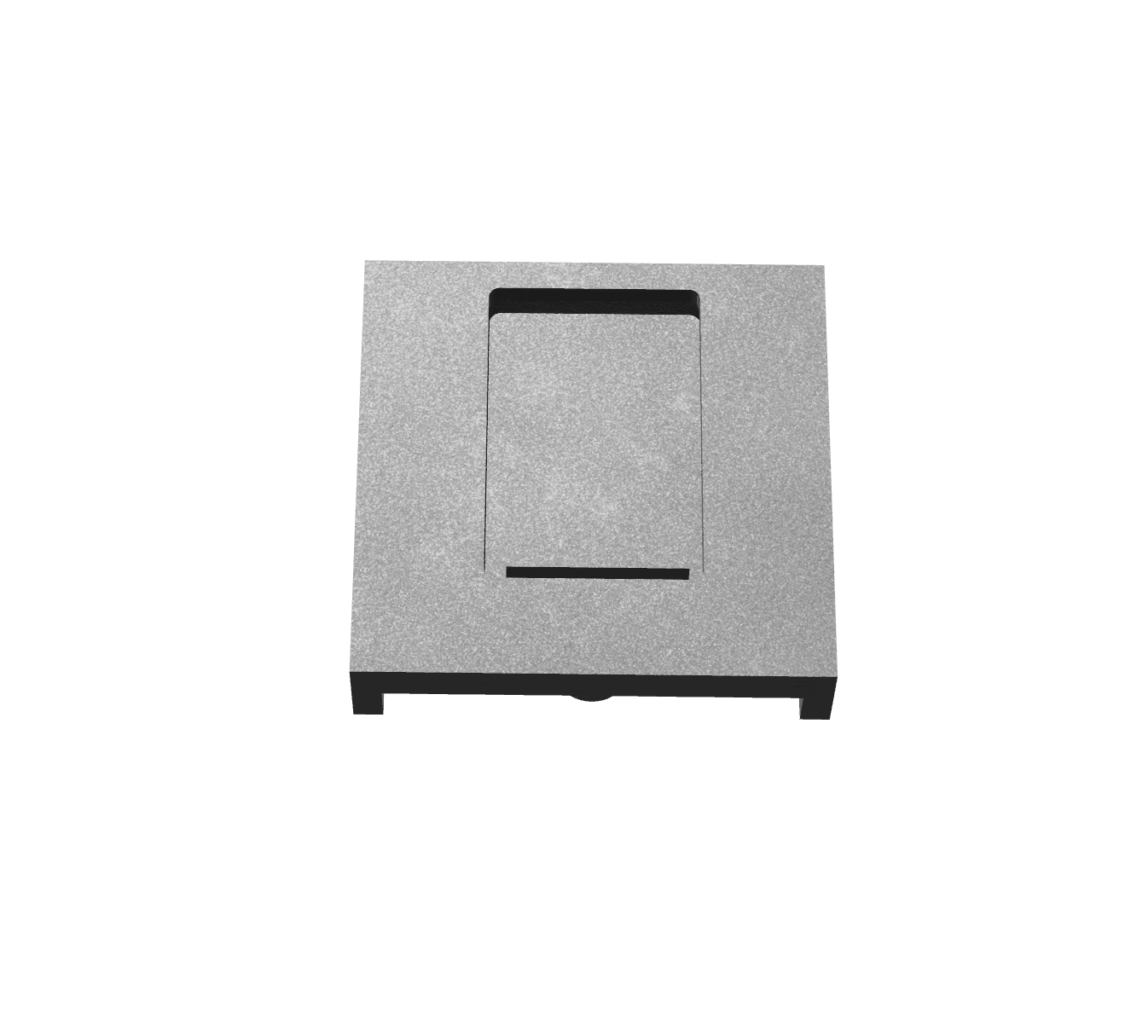
Front View


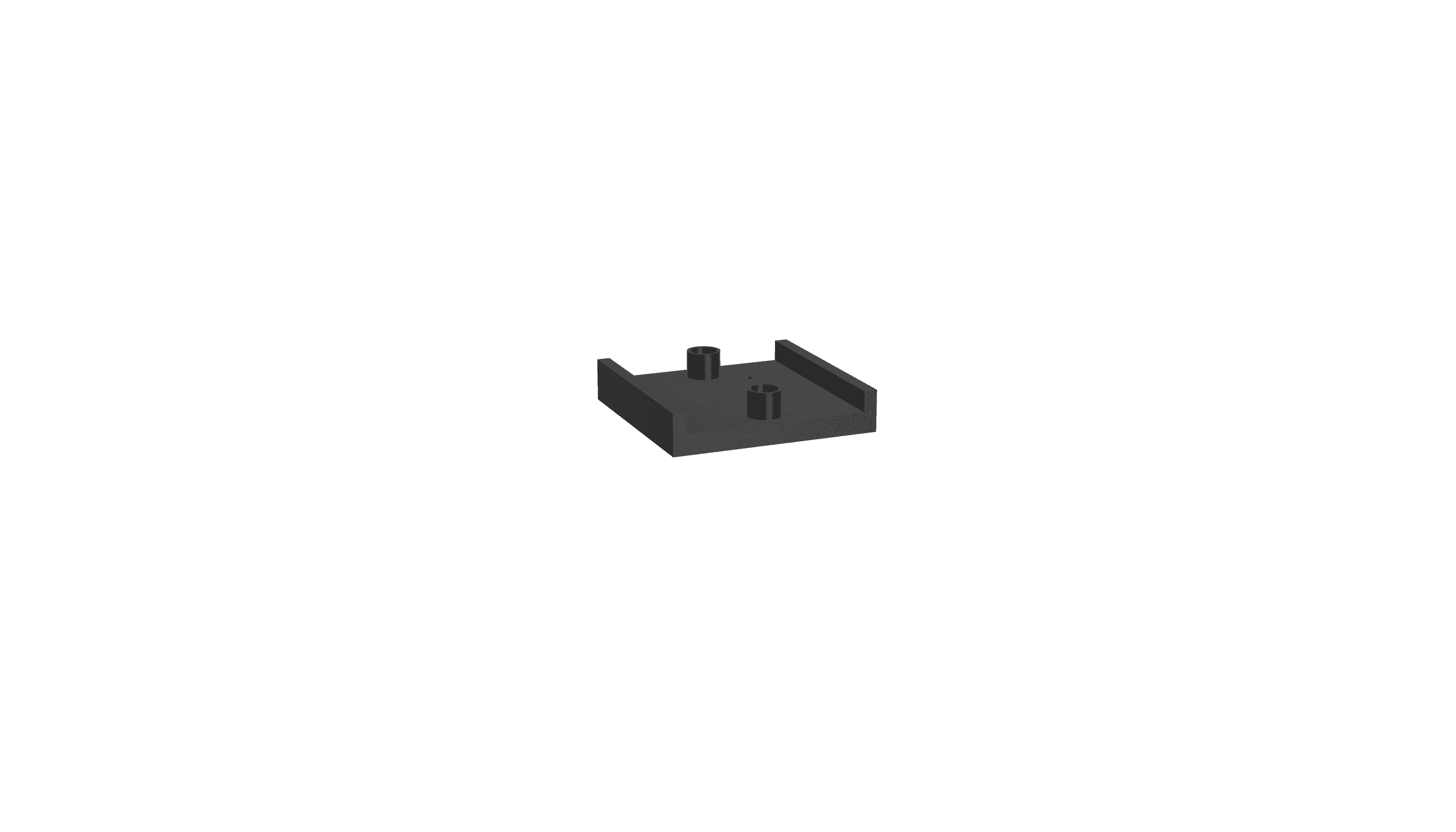
Right, Back & Bottom View
© Faysal Biobaku 2026